Worldbuild
Prototype · iPhone and Android
Read Aloud
A page reader for smart glasses. Every word, out loud.
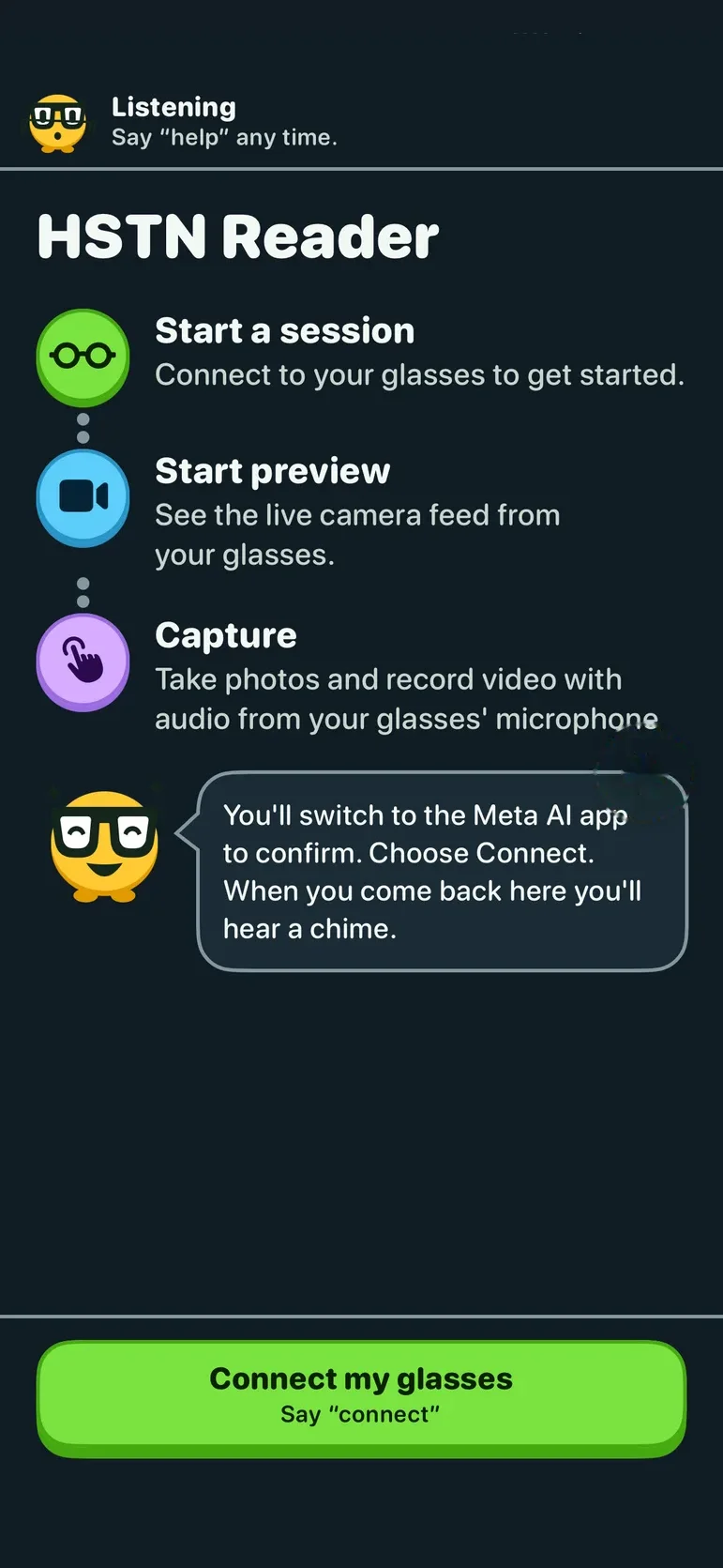
A voice-first reading app for iPhone and Android, for blind and low-vision readers. It's built for Oakley Meta HSTN glasses: the glasses' camera sees the printed page and your phone reads it out word for word. It's an early prototype and hasn't been tried on real glasses yet.
The problem
Describing a page isn't the same as reading it.
If you're blind or have low vision, there are already good apps that describe what's in front of you or put you through to a person who can help. But for a letter, a recipe or a chapter of a book, a summary isn't enough. You want the exact words, in order, at your own pace.
Assistants also tend to guess when they're not sure, say more than you asked for, and keep talking when you want them to stop.
Read Aloud reads printed text word for word, one sentence at a time, and you steer it with your voice.
Word for word
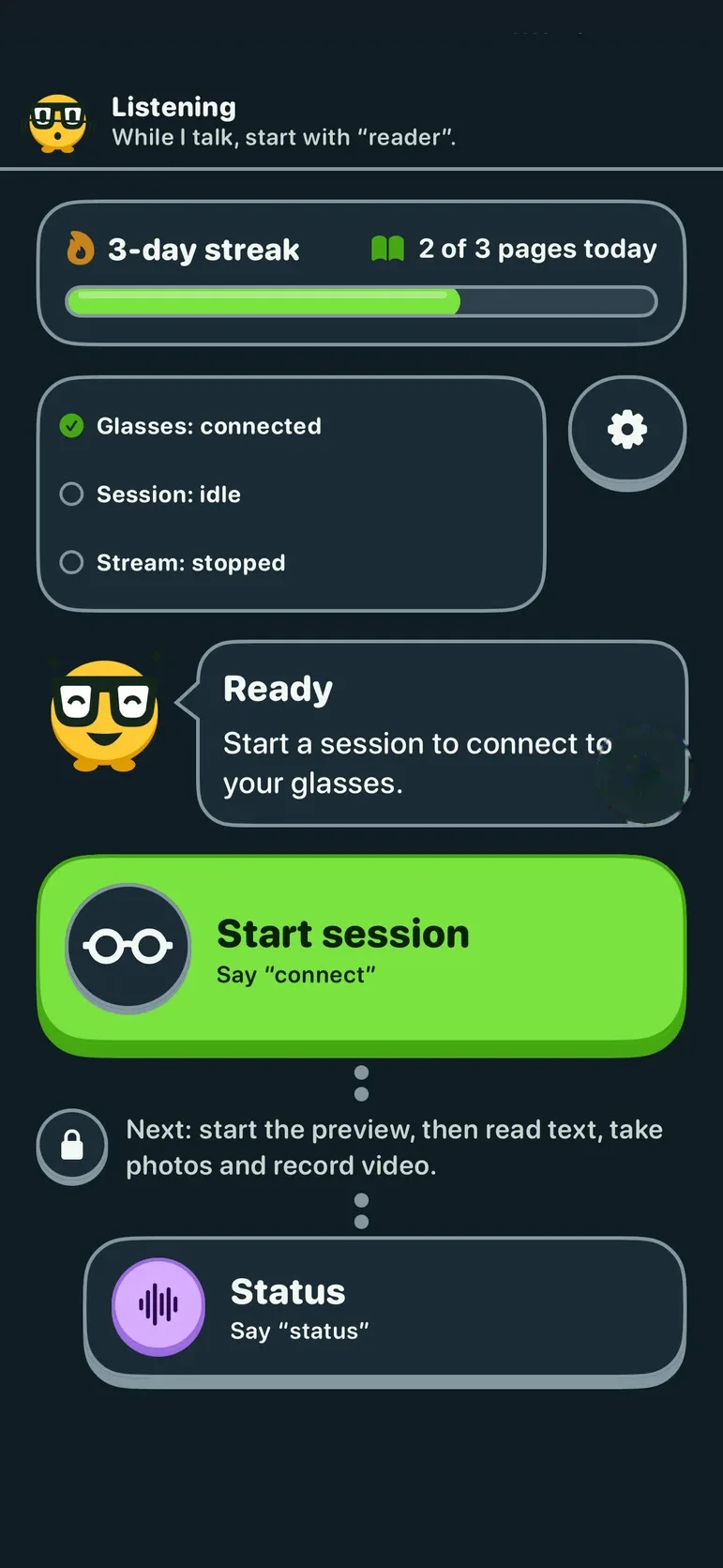
It reads printed text sentence by sentence, with Previous, Repeat, Next and Stop. It tells you when you've reached the end of a page, and checks in if you've gone quiet.
Run it by voice
Voice control is on from the start, with speech recognition running on your phone. Say "help" any time, or start with "reader" to cut in while it's talking.
As much detail as you want
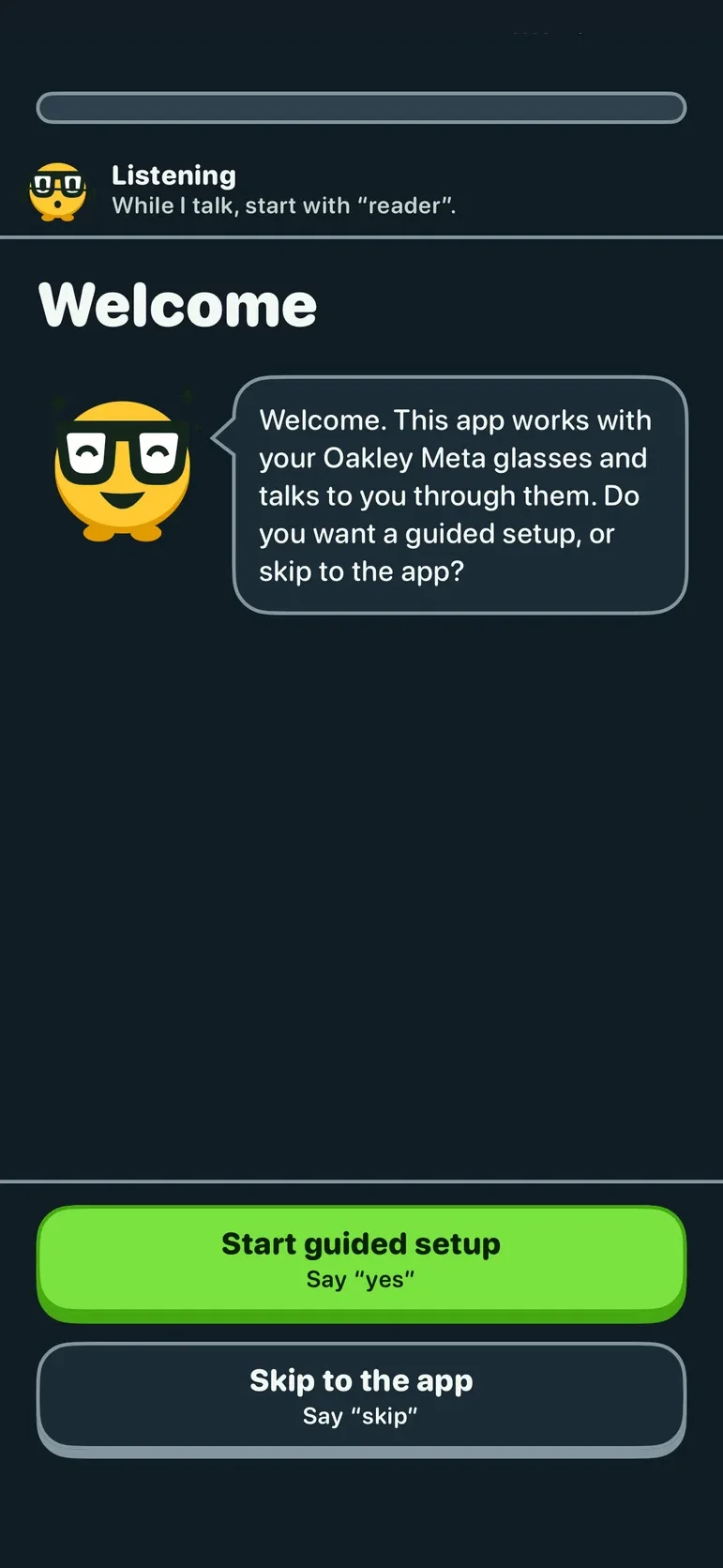
A guided setup picks your voice, sounds, speaker, how much detail you want (Short, Normal or Detailed) and how fast it speaks.
Made for low vision
It works alongside VoiceOver, holds up at very large text sizes, and its colour contrast is checked in light, dark and Increase Contrast modes.
Stays on your phone
Photos are processed on your phone. Nothing leaves the phone unless you ask.
Want to know when you can try it?
The app is experimental and can be wrong. It is not a mobility aid, so don't use it to find your way or avoid obstacles, and don't rely on it for medication doses or money. It isn't made or endorsed by Meta or Oakley. Leave your email and we'll tell you when there's something to try.