Worldbuild
Coming soon · Mac and Windows
hack-cast
Put any screen on the TV. No extension, no fee.
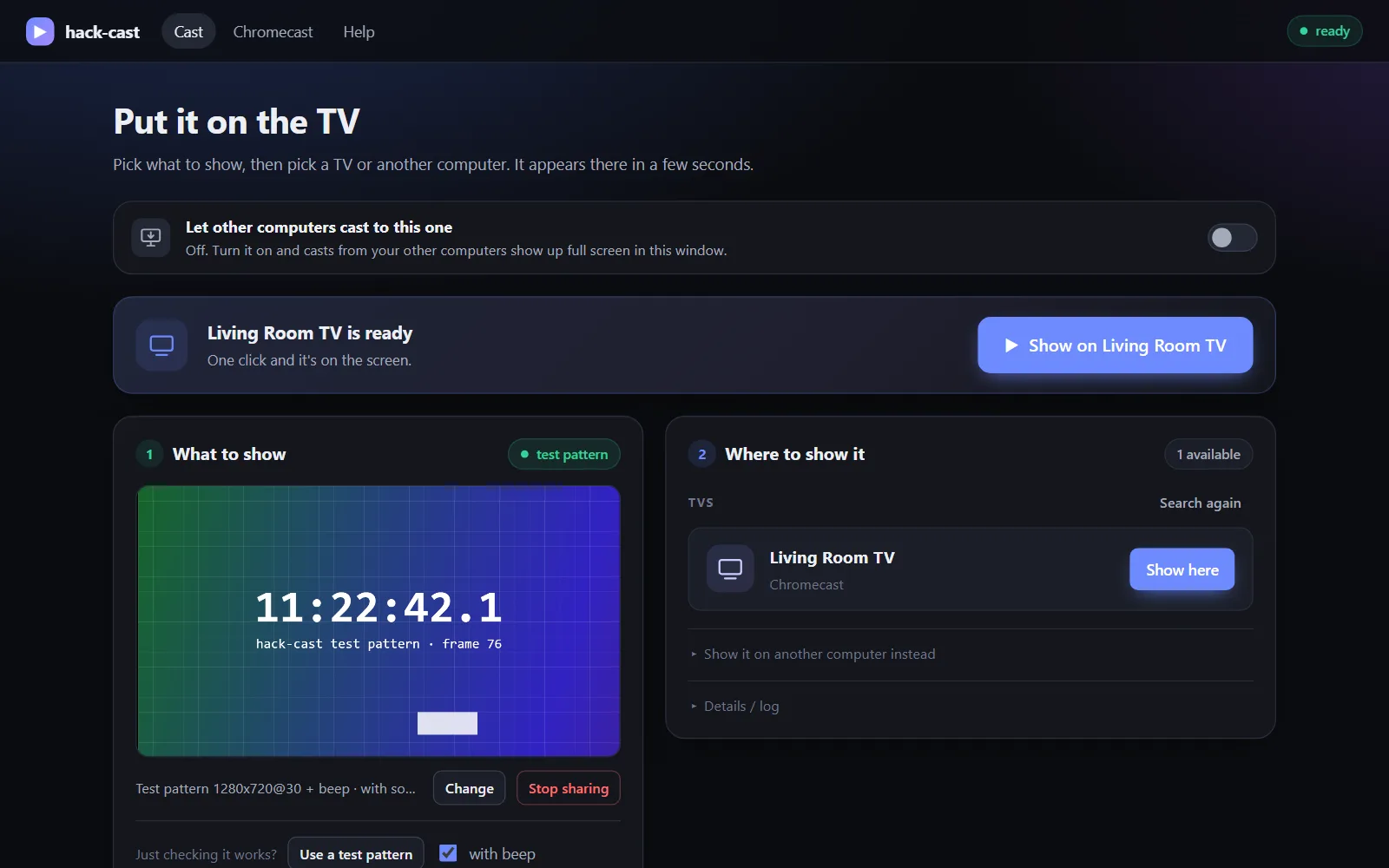
A small desktop app for Mac and Windows. Pick a browser tab, a window or your whole screen, click the TV, and it shows up a few seconds later. Works with Chromecast on your Wi-Fi, and with your other computers over Tailscale.
The problem
Casting from a computer has got unreliable.
On older devices, casting a tab or your screen from a computer often just doesn't work any more. The usual workarounds are paid apps or browser extensions you'd rather not trust with your screen.
Neither should be needed to show something on a TV in the same room.
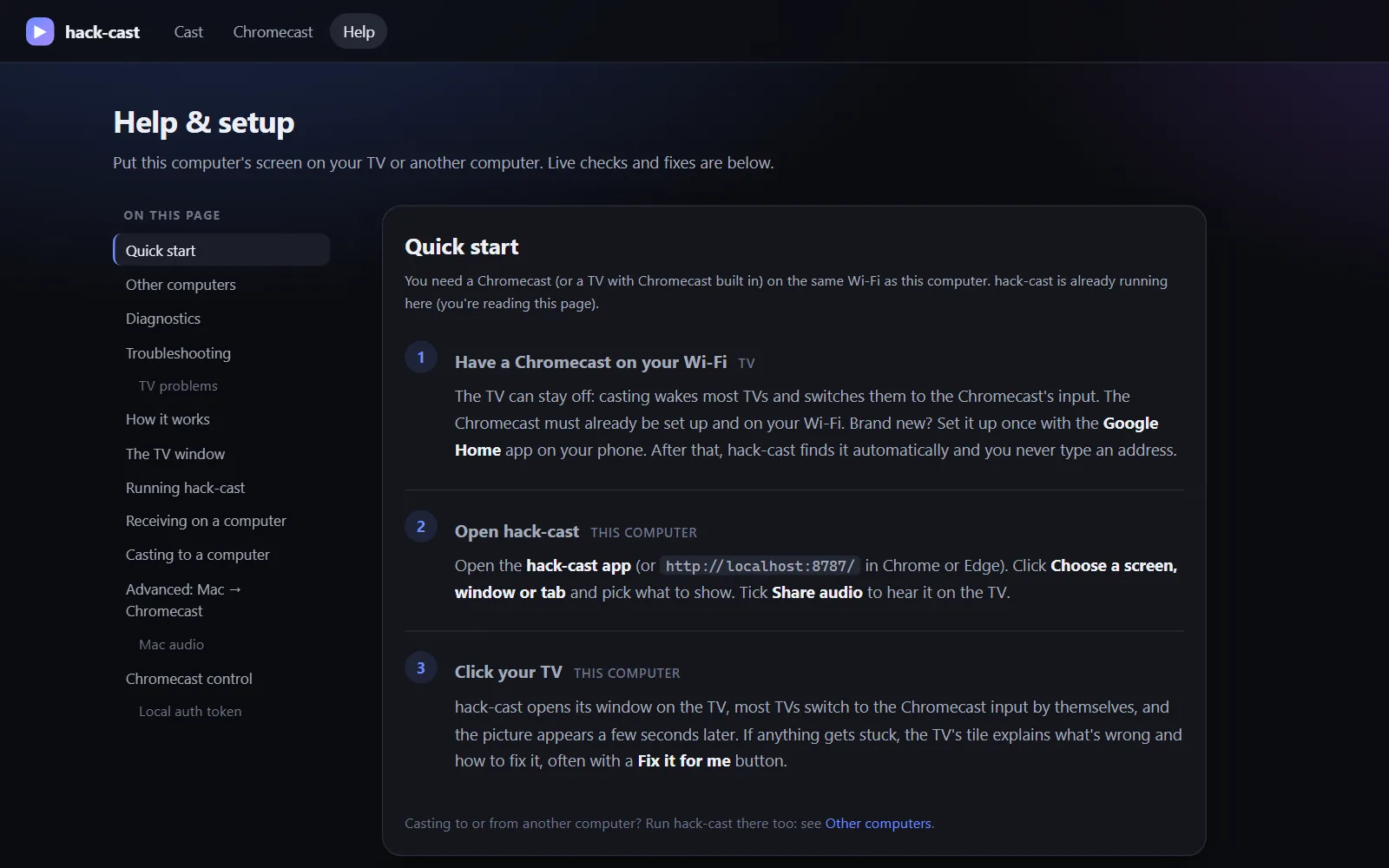
hack-cast does it for free, with no extension and nothing to set up on the TV. Start it, pick what to show, click the TV.
Tab, window or whole screen
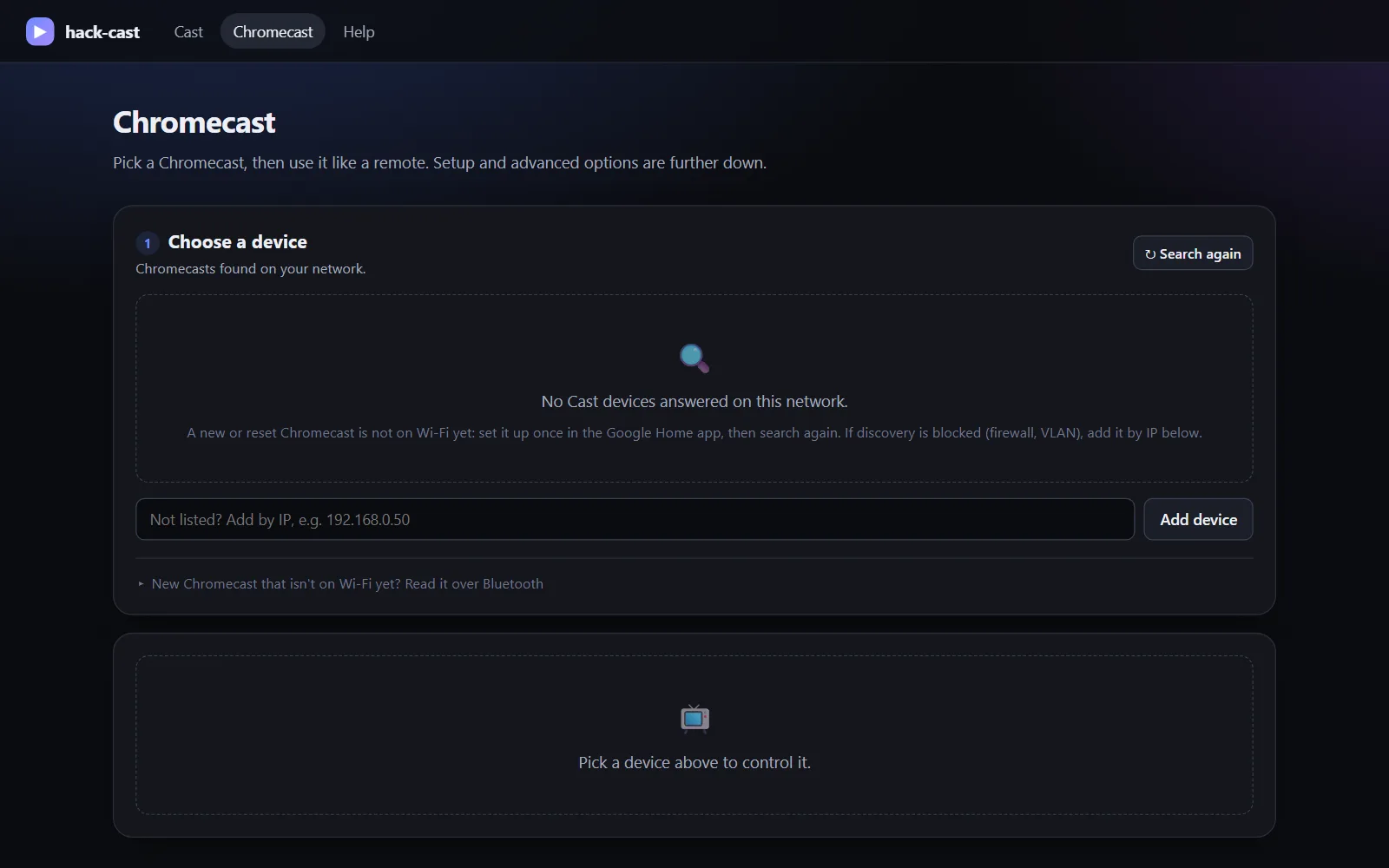
Finds the Chromecasts on your network by itself and streams peer to peer at up to 1080p. TVs that support HDMI-CEC switch to the right input on their own.
Computer to computer
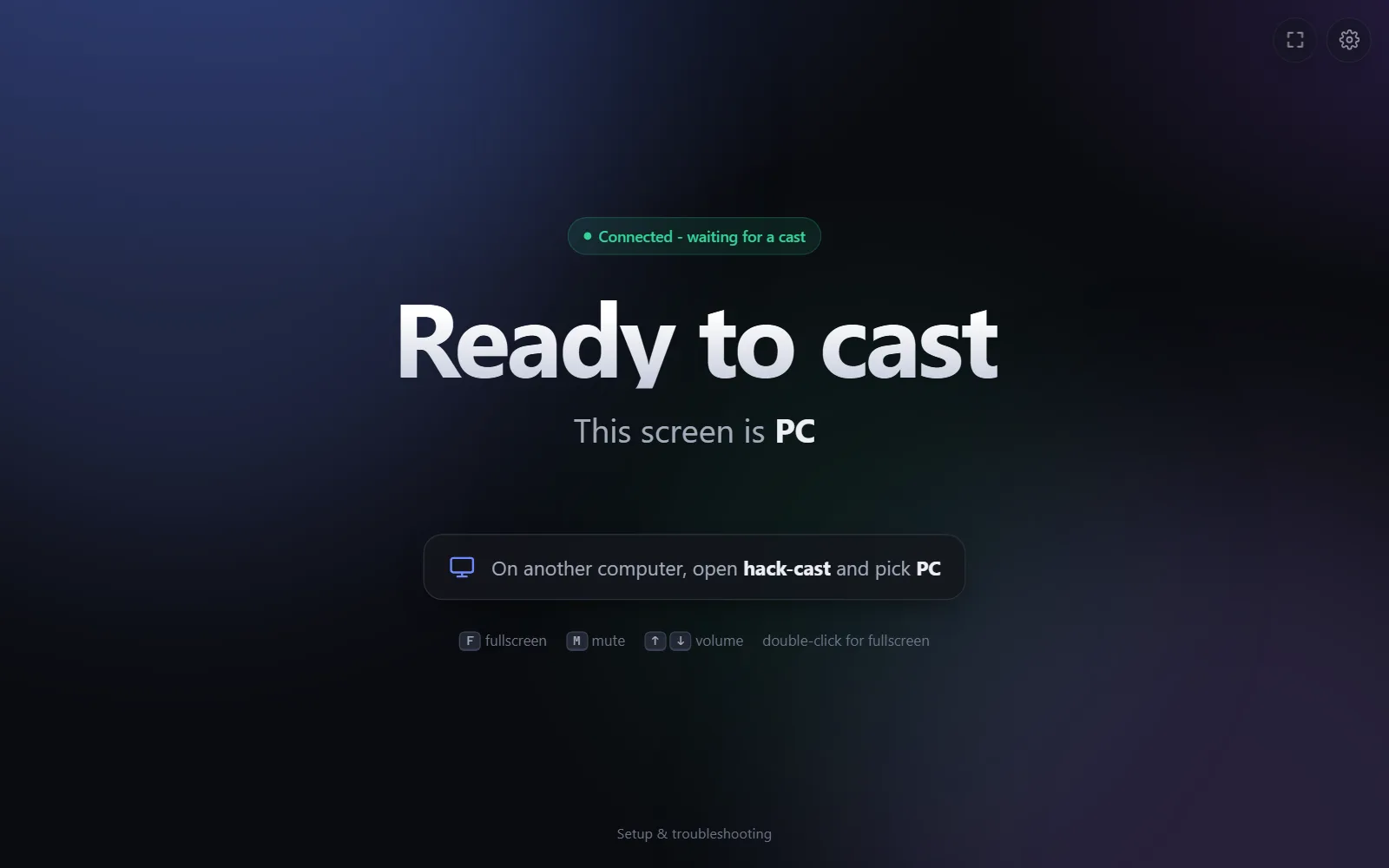
Turn on "Let other computers cast to this one" and any of your Macs or PCs on the same Tailscale network becomes a screen too.
Nothing on the TV
No app on the TV, no Chrome extension and no developer sign-up.
Tells you what's wrong
If a step stalls, it says why in plain language: subnet, firewall or network type. On Windows, Fix it for me repairs the firewall rules.
Locked down by default
It only answers your own computer, your tailnet and the Chromecasts it found.
Be first in.
Leave your email and we'll tell you the day hack-cast goes live.