Worldbuild
Coming soon · Unity Asset Store
FrameMedic
Find out what's slowing your Unity scene down, in plain English.
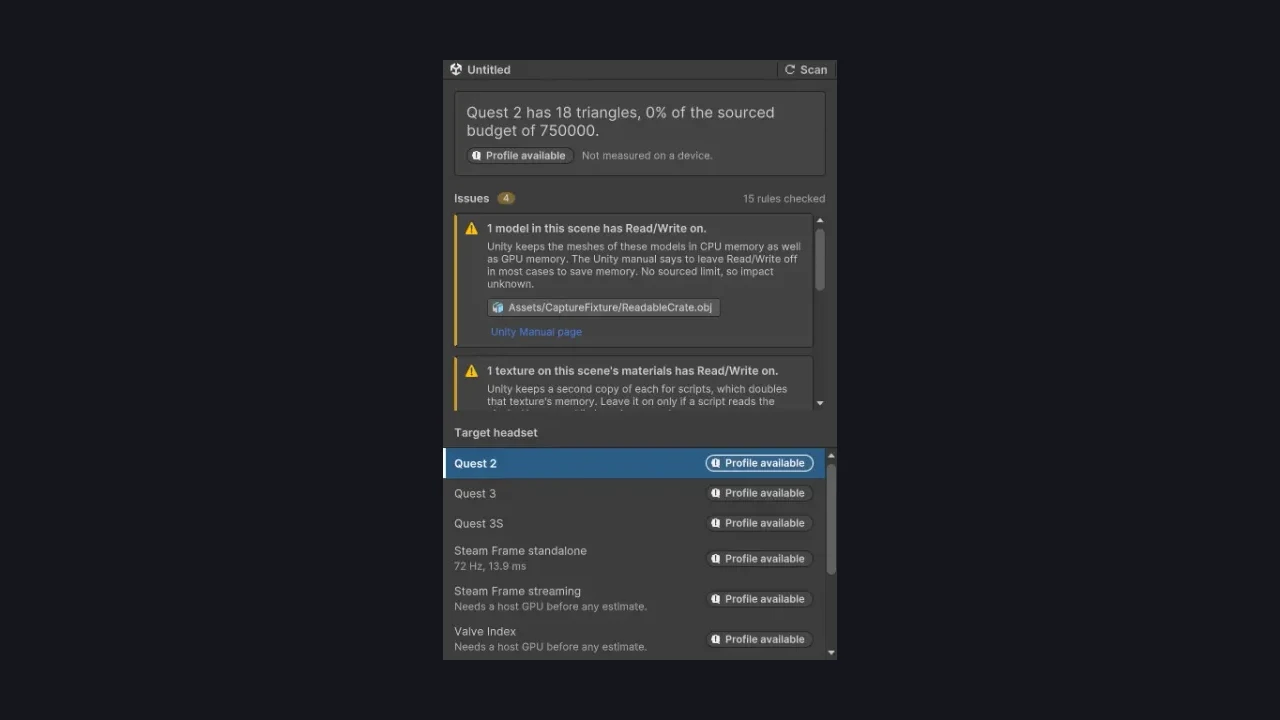
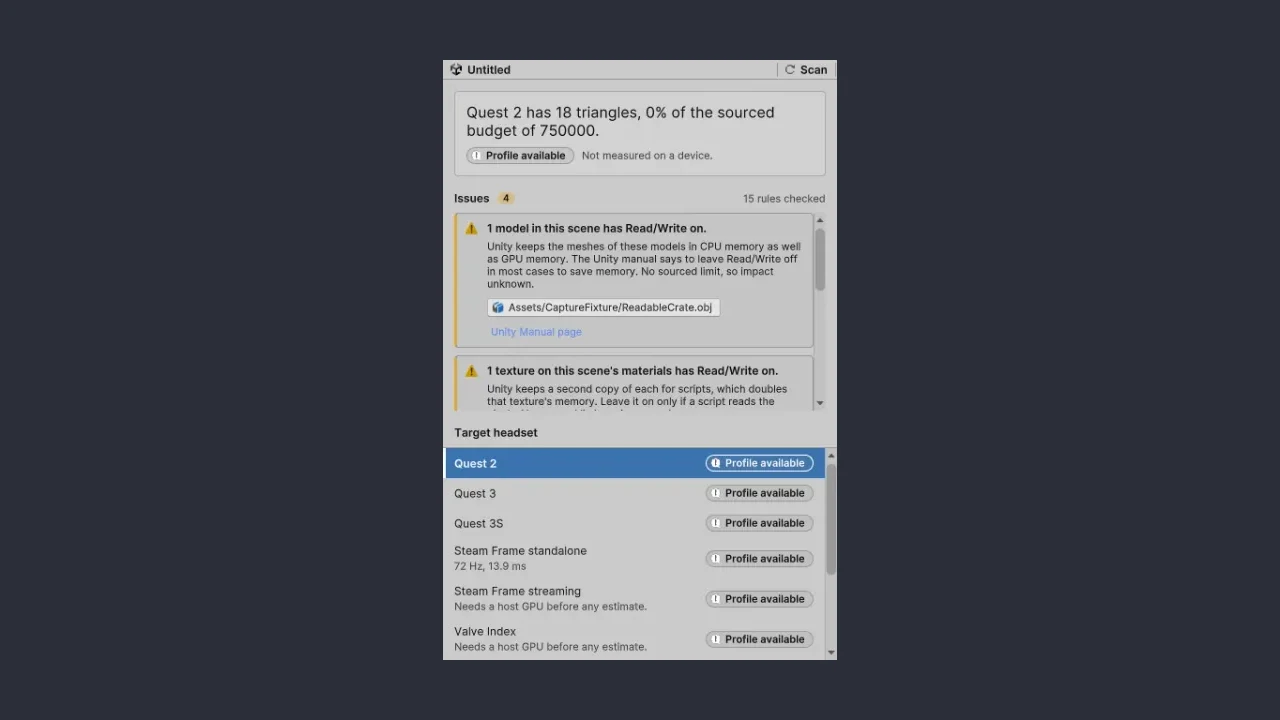
A Unity editor tool for developers shipping to Quest, Pico and mobile. Pick your headset, hit Scan, and get a list of what's dragging your frame rate down, ranked by impact. Works with Unity 2022.3 LTS and Unity 6, Built-in and URP.
The problem
Your scene runs fine in the editor, then lags on the headset.
Standalone headsets and phones have a fraction of a desktop's power. A scene that looks smooth on your dev machine can drop frames the moment it's on a Quest, and in VR that's not just ugly, it's uncomfortable.
The causes are usually small settings scattered across your project: a light that could be baked, a texture left uncompressed, Read/Write ticked on a mesh, occlusion culling never baked. Finding them means knowing what to look for, and if you're new to Unity you might not know what a lightmap UV is yet.
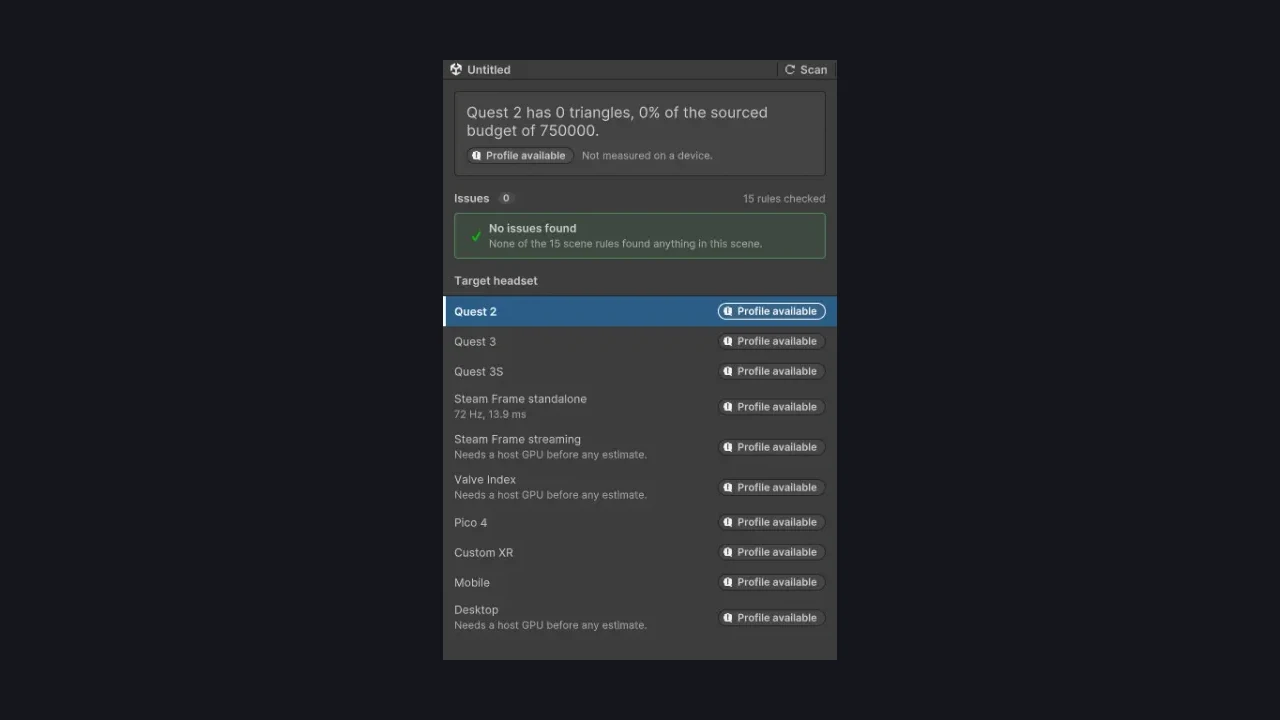
FrameMedic checks your scene against a list of known problems and tells you, in plain English, what it found and why it matters for the headset you picked.
15 scene checks
Realtime shadows that could be baked, uncompressed or mipmap-less textures, Read/Write on meshes and textures, full-mesh colliders, realtime reflection probes, unbaked occlusion culling and more.
Pick your headset
Quest 2, 3 and 3S, Pico 4, Steam Frame, Valve Index, mobile and desktop. On Quest 2 it compares your triangle count with Meta's published target of under 750,000.
Honest by design
It never makes up an FPS number. Where there's no published limit, it says so: impact unknown, measure it.
Offline and read-only
The free Lite version only reads your scene. No network calls, no telemetry, no account.
Fixes, in Pro (planned)
A Pro version is planned that fixes issues for you, with a preview first, one Undo, a restore file and an automatic re-scan.
Be first in.
Leave your email and we'll tell you the day FrameMedic goes live.