Worldbuild

Coming soon · Windows, Mac & web
Deez VRM Viewer
Check your VRM avatar without uploading it anywhere.
Open a VRM 0.x or 1.0 model, try its expressions, play motions on it and look through its scene tree. Everything runs on your machine, so the file never leaves your device.
The problem
To look at your avatar, you usually have to hand it over first.
A VRM avatar is often something you made yourself or paid for. But when you just want to check it, see if the expressions work or how it moves, the quick options are mostly websites that want you to upload the file.
The other route is opening a full game engine and setting up a project just to look at one model. That's a lot of setup for a five-minute check.
Deez VRM Viewer opens the model locally, in a desktop app or your browser, and nothing gets uploaded.
Drag in and look
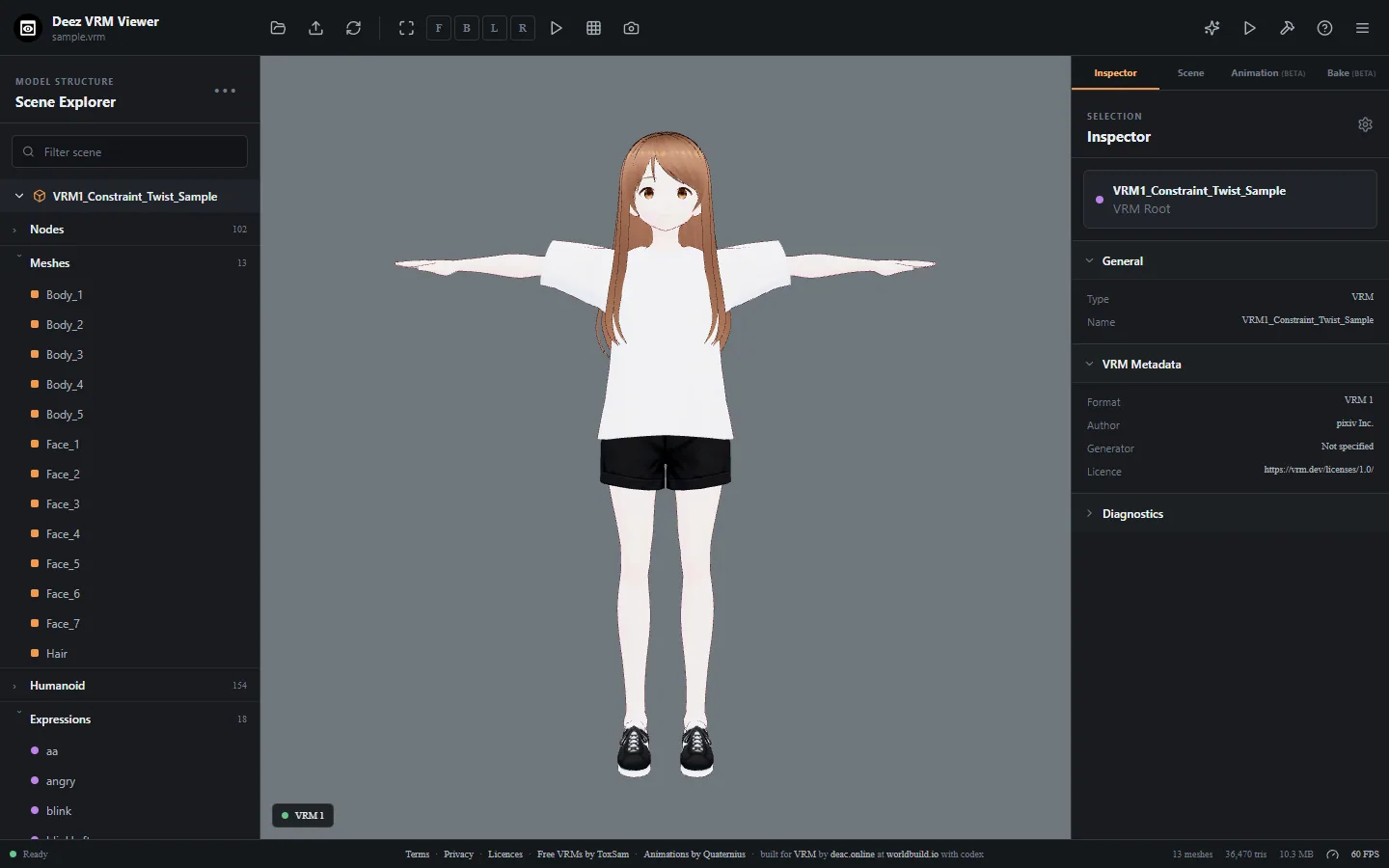
Drop in a .vrm, .glb or .gltf file, or pick one. VRM 0.x and VRM 1.0 both work. Orbit the camera and jump to front, back, left or right views.
Expressions and structure
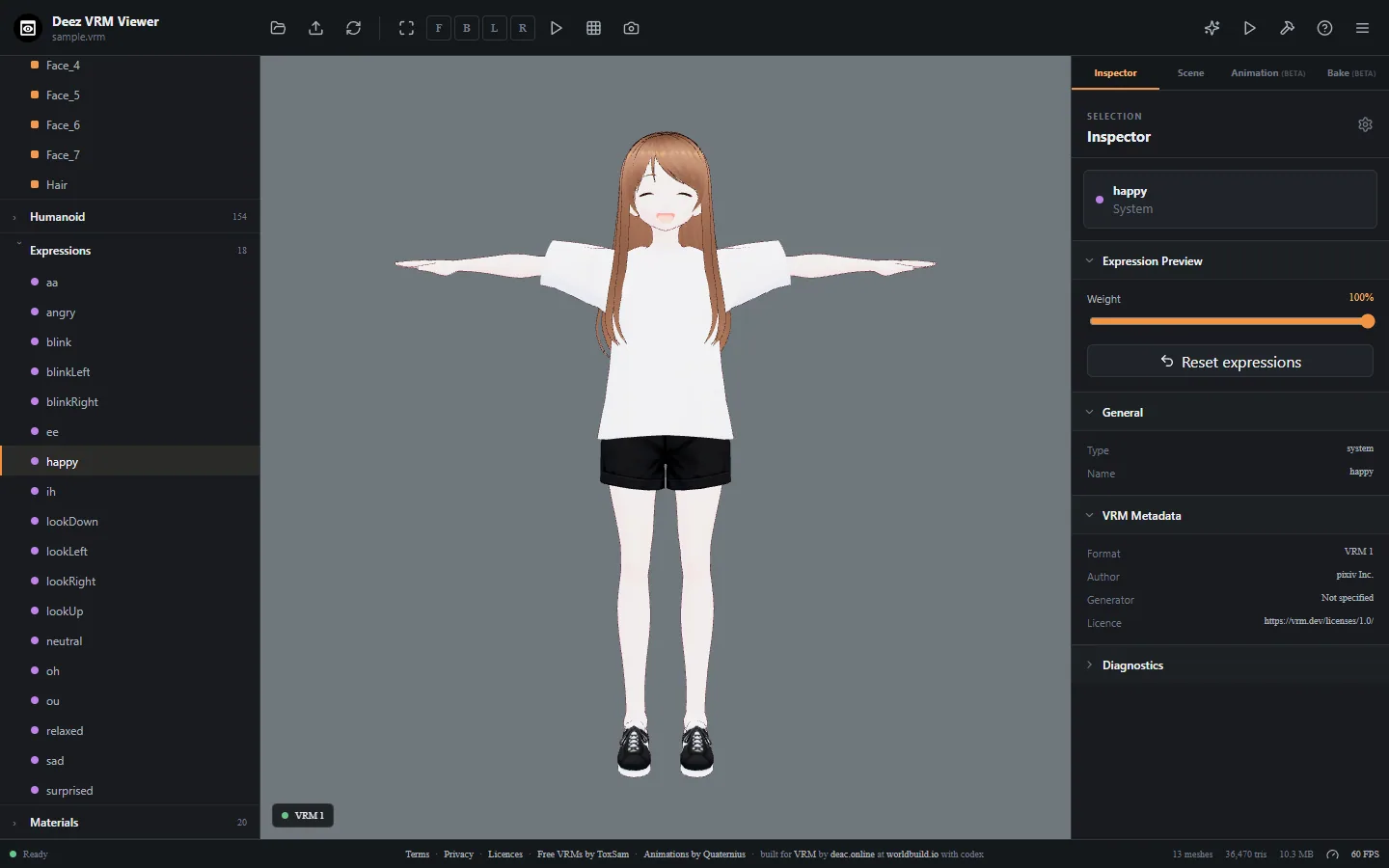
Preview each expression with a weight slider, browse the meshes, humanoid bones and materials, and read the model's metadata and diagnostics.
Motions on your model
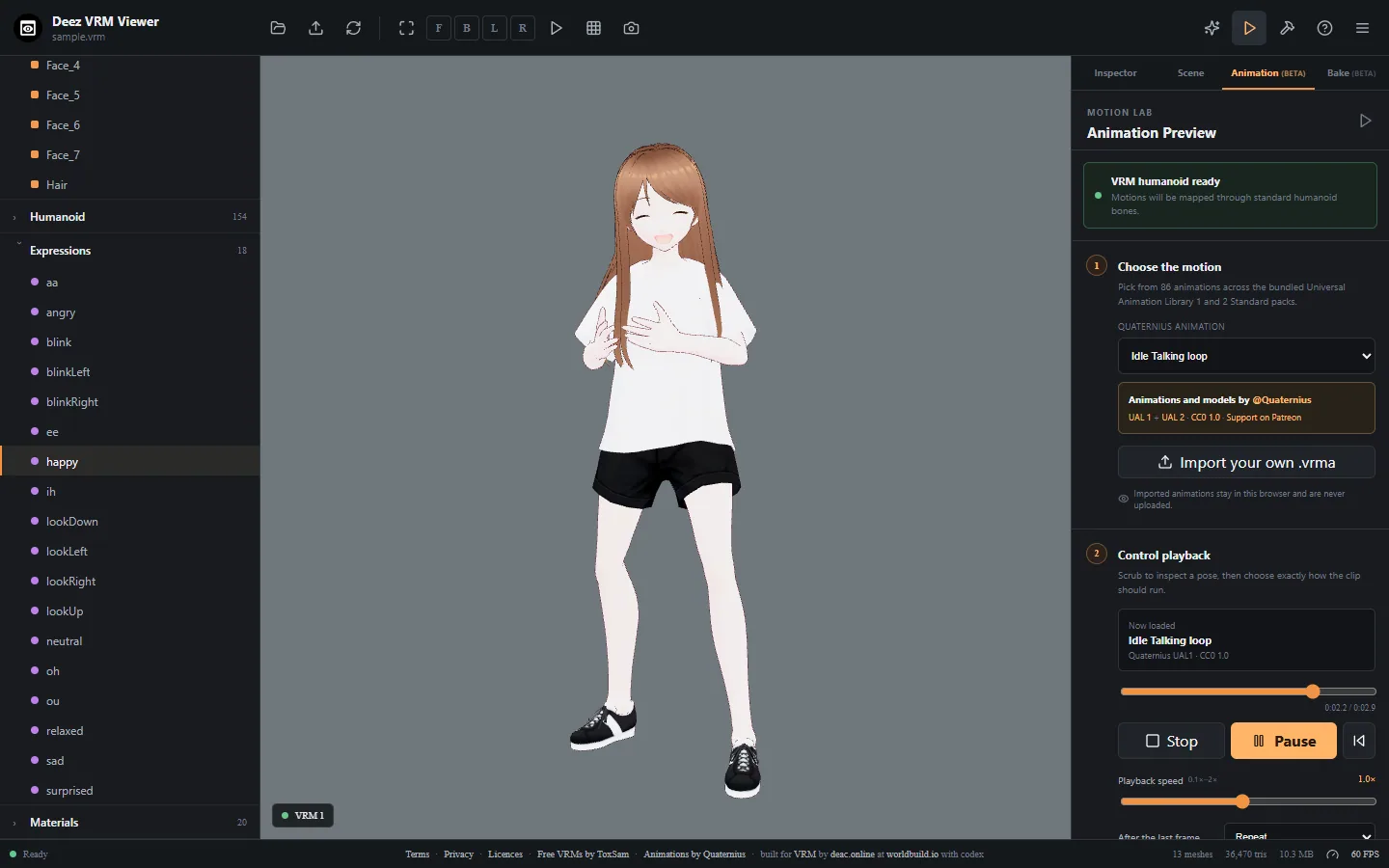
86 bundled Quaternius motions, or import your own .vrma file. Scrub, loop and change the speed to check a pose.
Mesh baking (beta)
Optionally bake meshes into a separate -baked.vrm file. Your original stays untouched.
Stays on your device
Files you open are read and shown on your machine. Open source under the MIT licence.
Be first in.
Leave your email and we'll tell you the day Deez VRM Viewer goes live.