Worldbuild

Coming soon · Windows
Deez USB Hub
A map of every USB port on your PC, empty ones included.
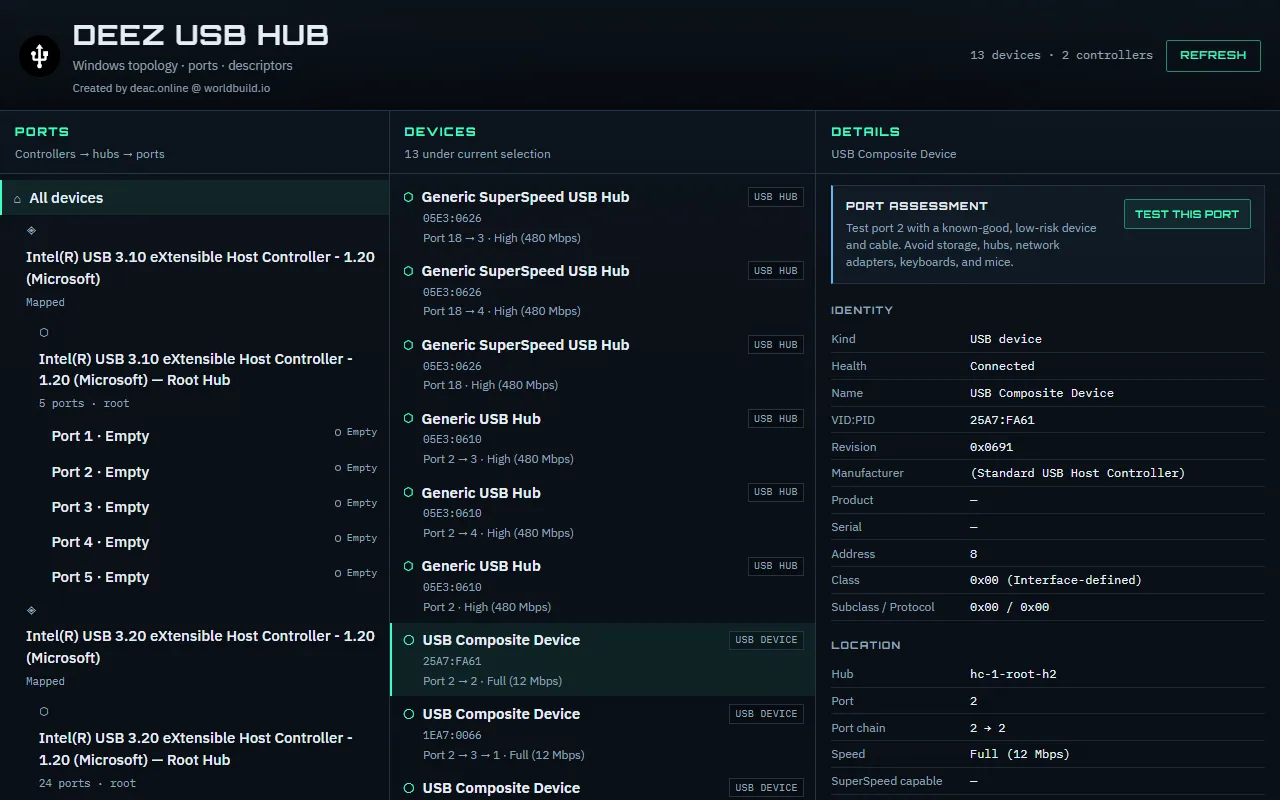
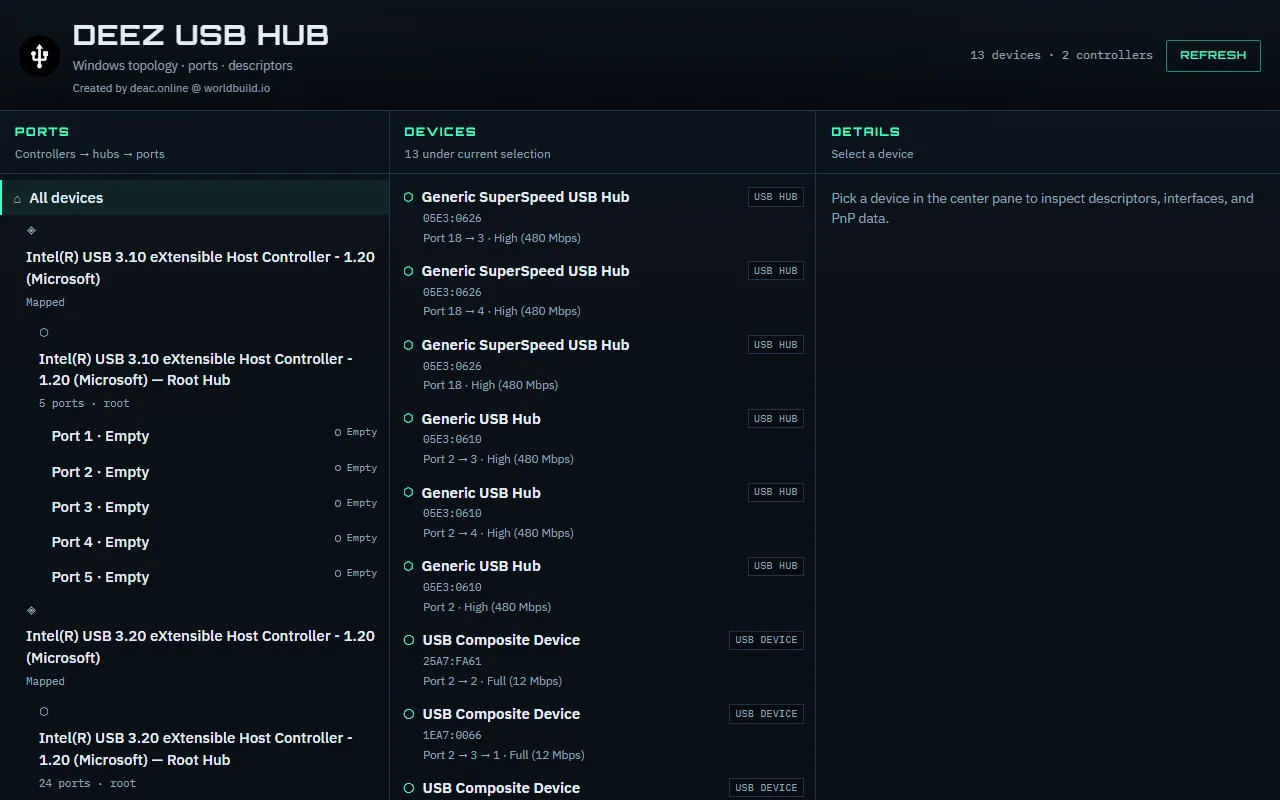
See your USB controllers, hubs and ports as a tree, with what's plugged into each one and the details behind it. For when a dock, hub or device is acting up and you want to know where to look.
The problem
When USB goes wrong, Windows doesn't show you where.
A device stops showing up, a dock drops out, or something runs slower than it should. Device Manager gives you a long list of names like "USB Composite Device" and "Generic USB Hub", with no sense of which physical port or hub they're on.
Empty ports don't appear at all, so you can't tell which ports you have, which are free, or whether a fault follows the device or the port. Most people end up unplugging things one by one.
Deez USB Hub lays out the whole chain, controller to hub to port, so you can see what's where and test a port properly.
Every port, empty or not
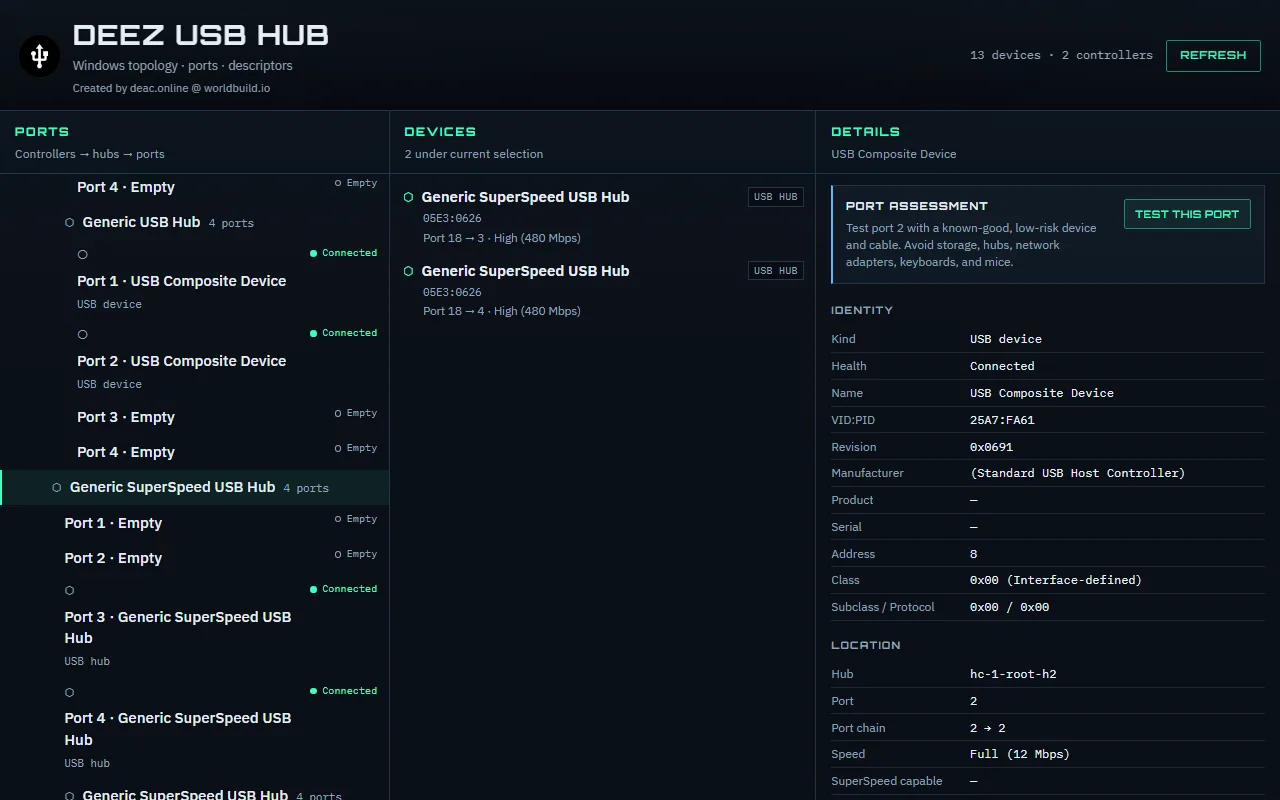
Host controllers, hubs and ports as a tree, including empty ports and child hubs inside docks. Updates live as you plug things in.
Deep device details
VID:PID, revision, manufacturer, class, speed and the exact port chain for anything plugged in.
Plain-English device types
Devices are tagged as mice, keyboards, hubs, storage and more, and problems are flagged with the real Windows error codes.
Port tests
Run a guided test on a port to spot intermittent faults, with a guarded, confirm-first option to restart a single port. High-risk targets are blocked.
Be first in.
Leave your email and we'll tell you the day Deez USB Hub goes live.