Worldbuild

Coming soon · Mac
Deez Spacesaver Mac
Get your Mac's disk space back, safely.
Scan for the junk that fills up a Mac, review what it found, and move it to the Trash. Nothing is deleted for good until you empty the Trash yourself.
The problem
Your Mac is full, and you're not sure what's filling it.
Macs fill up quietly: old installers in Downloads, caches, iPhone backups, Mail and Messages attachments, and if you write code, gigabytes of Xcode caches and simulators. The built-in storage screen lumps a lot of it into vague buckets like “System Data”.
So people pay for more iCloud storage or a bigger drive, or start deleting folders by hand and hope they don't break anything.
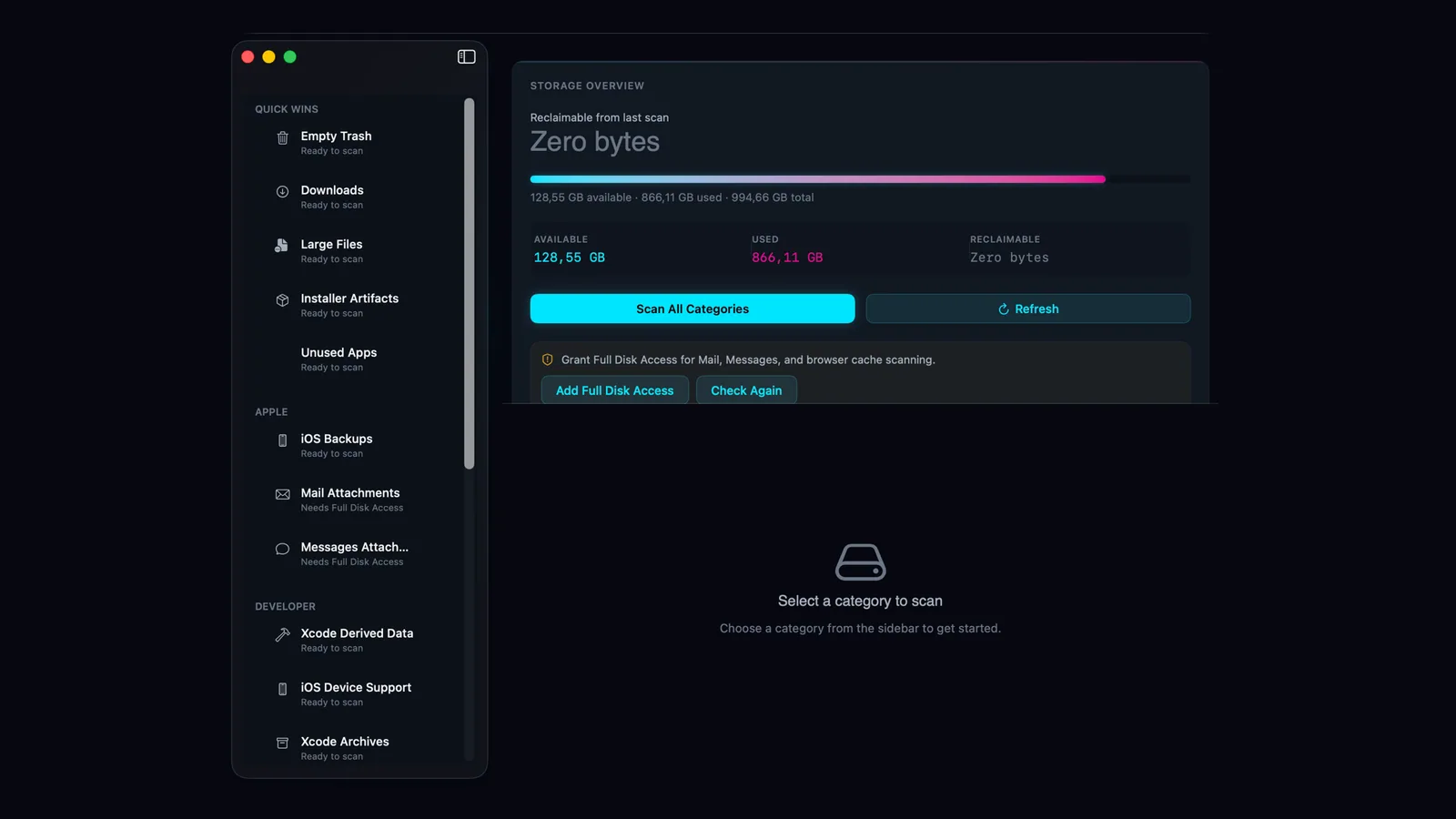
Deez Spacesaver Mac shows you what's taking up space, lets you choose what goes, and moves it to the Trash rather than deleting it outright.
Safe by default
Cleanups go to the Trash, not straight to permanent delete. Big batches ask for confirmation, and system folders are never touched. Time Machine snapshots are the one exception, as they can't go to the Trash.
Quick wins
The Trash, old Downloads, large files, leftover installers (.dmg, .pkg, .iso) and apps you haven't opened in a while.
Developer clutter
Xcode derived data, device support files, archives, simulators and package manager caches. Shows up only if Xcode or the command line tools are installed.
Apple and system
iOS backups, app and browser caches, logs and Time Machine snapshots. Mail, Messages and browser caches need Full Disk Access, which is optional.
Be first in.
Leave your email and we'll tell you the day Deez Spacesaver Mac goes live.