Worldbuild

Coming soon · Windows
Deez Resource Monitor
Find out what's slowing your PC down, and why.
A small Windows app that shows what's eating your CPU, RAM and disk, where each process lives on disk and what started it, and flags anything running hotter than usual on your machine.
The problem
The fans spin up and you have no idea why.
Everyone knows the moment: the PC gets hot, everything lags, and Task Manager shows a list of process names that mean nothing. Is that one normal? Why are there 24 copies of something? What started the thing running from your Temp folder?
Task Manager tells you what's busy right now, but not whether that's unusual for your machine, where the file lives or what launched it. Most people end up guessing or searching process names.
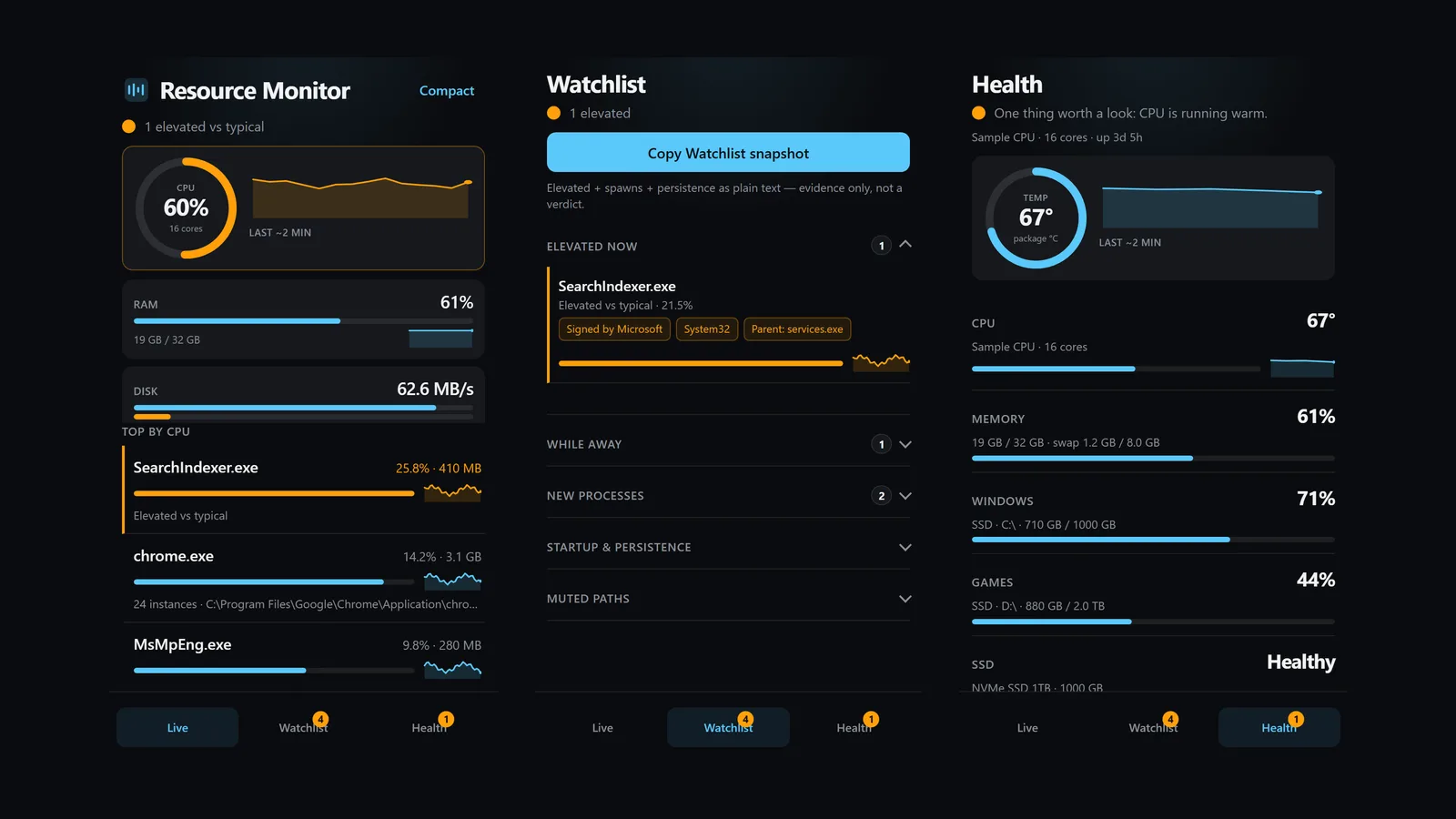
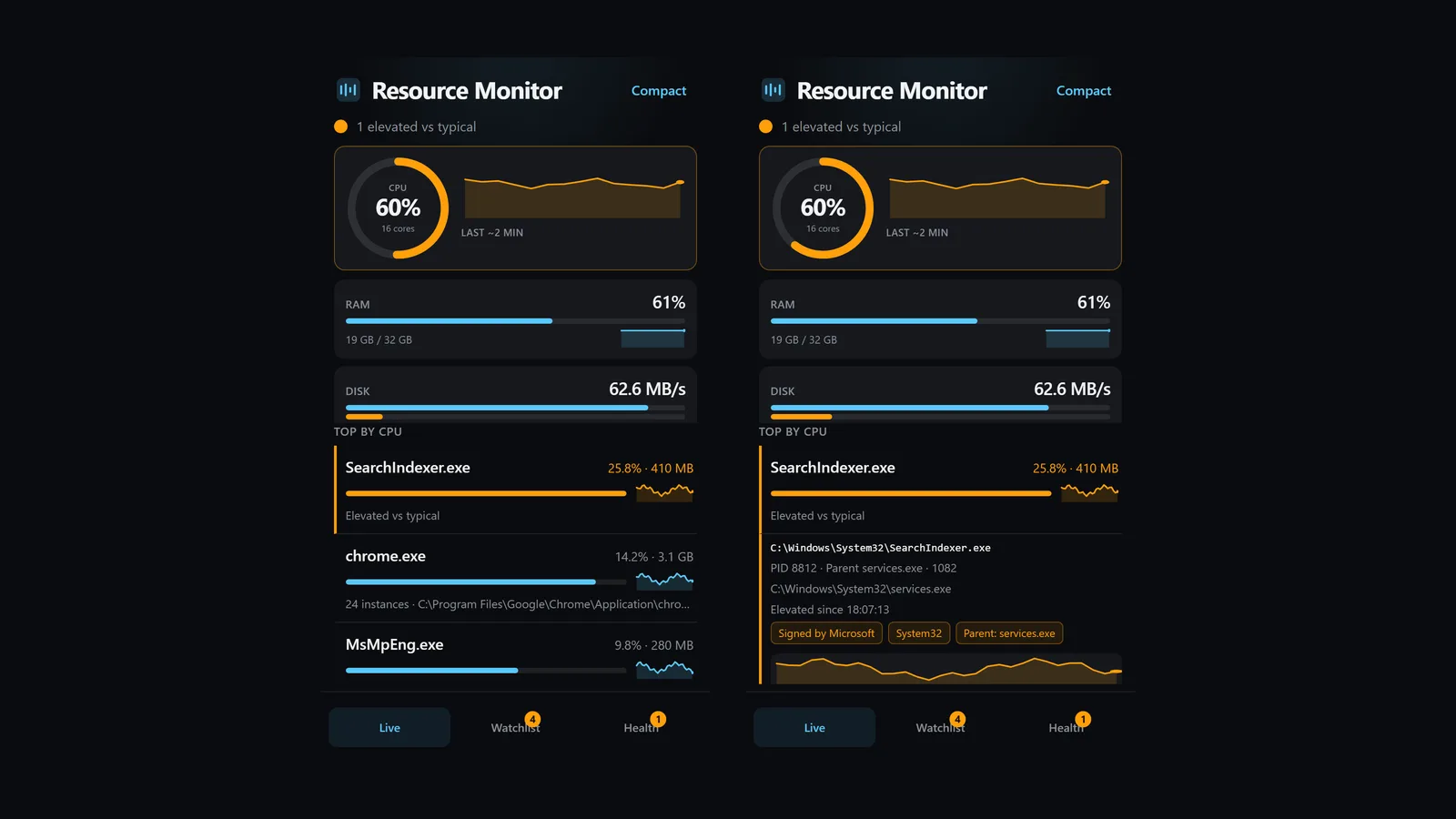
Resource Monitor puts the real file path, the parent process and an unusual-for-this-PC flag next to every hog, so you can see what's going on without a made-up verdict.
The hog, with its path
Top processes by CPU, RAM or disk, grouped by app, each with its full file path, parent process and a sparkline.
Unusual for this machine
It watches for a short while to learn what's typical on your PC, then flags anything running well above that.
Watchlist
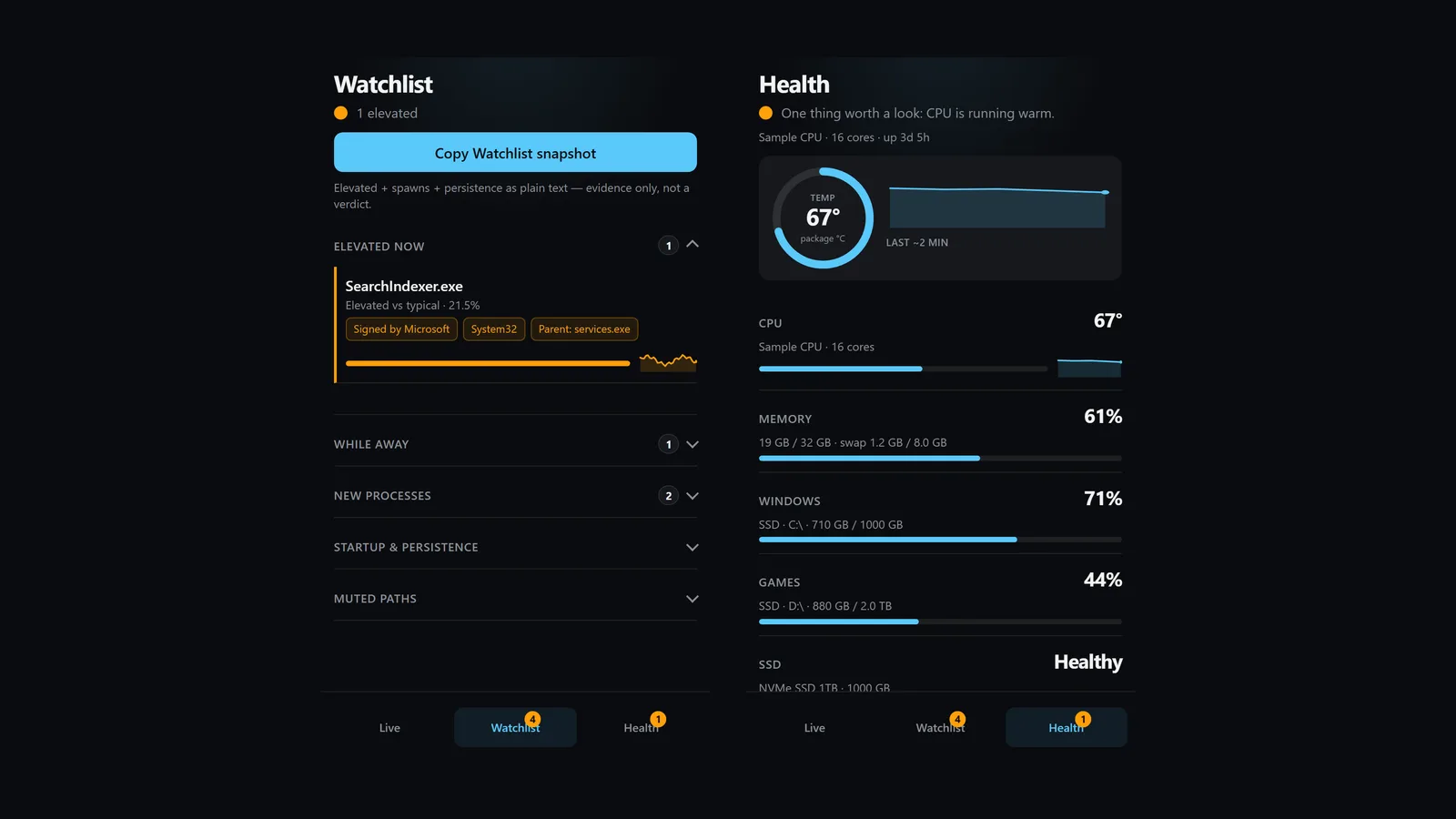
New processes worth a look, spikes while you were away, and what's set to run at startup. Laid out as evidence, not a threat score.
Health at a glance
CPU temperature when your PC actually reports it, memory, drive space and Windows' own disk status. If a sensor isn't there, it says unavailable.
Mute or end
Mute things you know are fine. End a process from the app, with a confirm step first.
Be first in.
Leave your email and we'll tell you the day Deez Resource Monitor goes live.