Skip to content

Worldbuild

Live
DevDeez-PDF-EReader — A free, local, cross-platform, open-source PDF reader.Devmeta-oakley-hstn-sandbox — Sandbox for trying Android, iOS, Unity, and Flutter builds on Oakley Meta HSTN glasses.Writing360 Video in VR: From Cardboard to World ModelsWritingWebAR or an app? Choosing for a brand activationWritingState of Play: A Sense-Check for November 2026WritingWhat an XR prototype quote should includeDevDeez-MATH — Explore major 2026 math breakthroughs — Astra ten + landmarks, plain language, demos.WritingHow to run a useful XR prototype test in one dayDevDeez-Fuel-Gauge — Lightweight Windows/Mac desktop overlay showing Cursor, Claude, Codex usage cap + Harddrive, CPU, GPU & RAM monitoringNowGlass Angels, our VR piece set in the Owl House in Nieu-Bethesda, was on the Fak'ugesi 2026 exhibition floor. Mosaic owl headset and all.DistributionVenice Immersive — In Competition 2024 — StrangewaysDistributionVenice Immersive — In Competition 2021 — Spirit of Place · BlissDistributionVenice Best of Worlds — 2024 — Mormoverse, Under The PillowDistributionEmmy Awards — VRChat previews — Reeducated, ISS ExperienceDistributionWebby Awards — People's Voice 2023 — Oxymore, Jean-Michel JarreDistributionSpirit of Raindance — BloodbathDistributionSpirit of Raindance — MyceliaDistributionLoeries — Silver & Bronze — Life of Confidence, Made In The CapeDistributionSmarties — Silver — FVRM for AbsaDistributionMona — Design Prize — Renaissance of the Metaverse 2022DistributionThe Cradle of Humankind (2025–Present) — iOS & Android · UNESCO siteDistributionStrangeways: The Only Way Out Is Through (2026) — Live VR theatre · 9–11 Oct 2026DistributionVenice Immersive Worlds Gallery (2024–2026) — Official venue · 3 editions · 145,000+ VRChat visitsDistributionMade in the Cape Market (2023) — Gold IAB Bookmark · 3× Bronze Loeries

Coming soon · Desktop

Deez Flipper Toolbox

A fuller desktop home for your Flipper Zero.

Back up and restore your Flipper, flash firmware, edit your saved files and build your own apps, all from one desktop app. Forked from FlipperUI and extended.
One email when it launches. No spam.

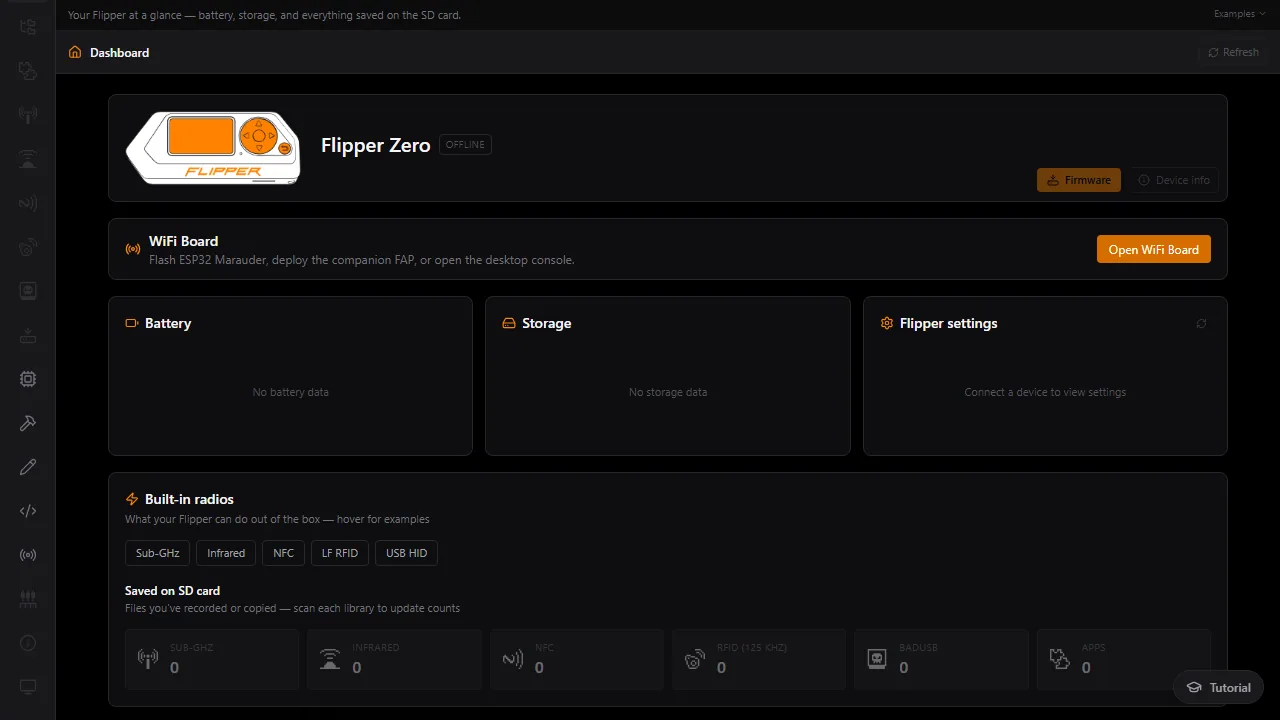
Flipper dashboard with the device card, battery, storage and settings panels, and library counts

The problem

The stock app covers the basics. Everything else is a pile of tools.

The official Flipper Zero companion app handles updates and simple file transfers. But once you want a proper full backup, custom firmware, or to tidy up a saved remote on your computer, you're into command-line tools, Git, Python and a lot of separate guides.

Building your own Flipper apps is the same story: a separate toolchain, separate build steps and manual copying to the SD card. It's easy to lose an afternoon to setup before you've made anything.

Deez Flipper Toolbox puts backup, firmware, editing and app building in one desktop app, and checks your setup for the tools it needs.

  • Full backup and restore

    Back up internal memory (through qFlipper-cli) and mirror the SD card, with progress as it goes, then restore when you need to.

  • Firmware, your way

    Flash official, community or custom firmware, or drop an update .zip onto the SD card automatically.

  • FBT Build Studio

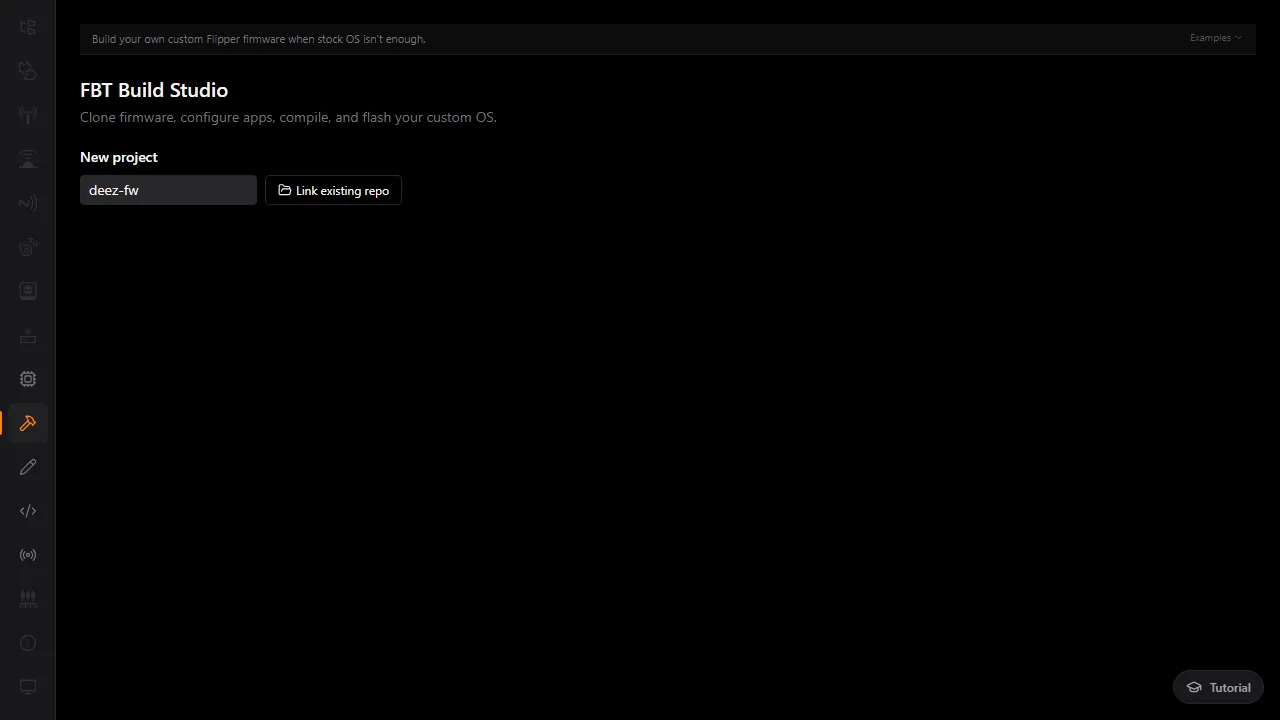
    Clone a firmware repo, edit its build options, compile and flash your own build without leaving the app.

  • Dev Studio

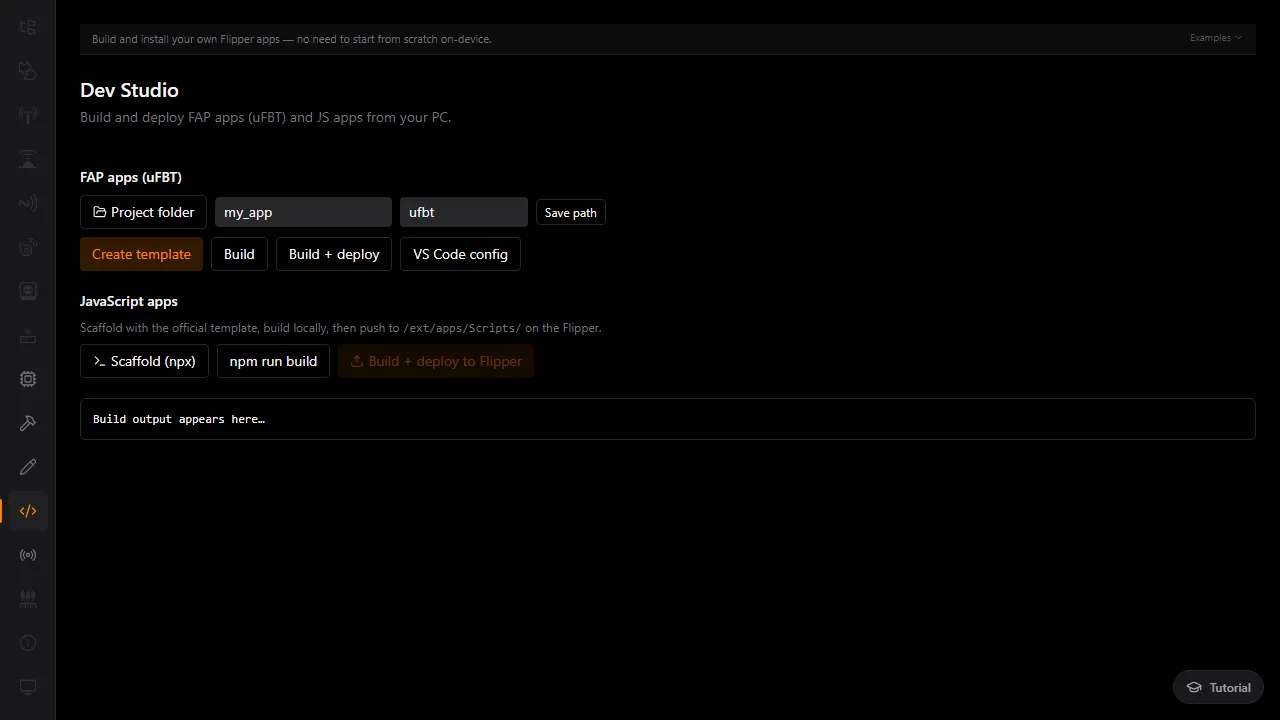
    Create, build and deploy FAP apps with uFBT, or scaffold and push JavaScript apps to the Flipper.

  • Edit saved files on your PC

    Open, edit and save .sub, .ir and .nfc files locally, then push them back to the device. A setup wizard checks for qFlipper, Git, Python, Node and uFBT on first run.
Dashboard with no Flipper connected
Dashboard
FBT Build Studio: clone firmware, configure apps, compile and flash
FBT Build Studio
Dev Studio with FAP app and JavaScript app build tools
Dev Studio

Be first in.

Leave your email and we'll tell you the day Deez Flipper Toolbox goes live.

One email when it launches. No spam.