An Opening-Night Checklist for VR and Digital Shows
Making a new build takes minutes now, so opening night often comes with a folder full of builds. Only one of them should play.
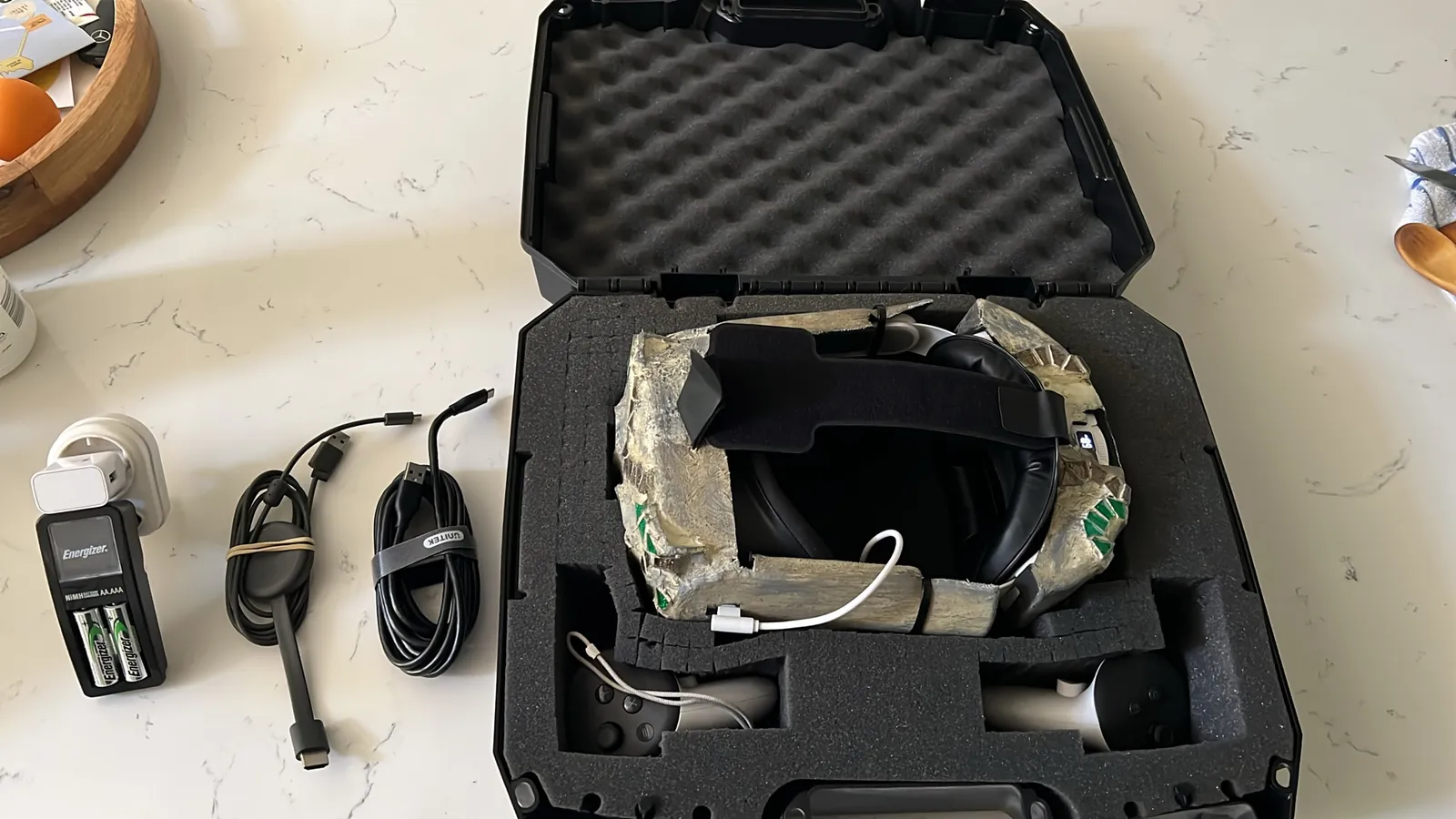
Glass Angels, our VR piece at Fak'ugesi 2026, packs into that one case. Nothing in the photo tells you which build is on the headset, though, and most of this checklist is about that.
So here's what I'd want on the call sheet (the one-page plan the crew works from) for any VR or digital show. Six lines, each with a name next to it.
So What's the Problem?
Each of those builds is a file someone can play by mistake, or a link that ends up in an invite. Most of the mess below happens because nobody's name is next to the job.
1. One Person Says Yes
Say you've got twelve working builds at load-in and no pick. The crew keeps comparing them while the queue grows. Guests can only walk one path, so somebody has to choose it.
Write the feeling you want for the night in one sentence on the call sheet. Then one person (usually the director) names the build that fits it, out loud, before load-in. Everyone else saves their alternatives for tomorrow. Over coffee.
Move the rest into a dated folder. They might suit another night, with its own brief.
2. Stop Changing the Build 30 Minutes Before Opening
Say it's ten minutes to opening and someone starts one more generate pass because the last take "felt off". Now guests are queuing while the headset waits on an export.
Put a cut-off time on the call sheet, at least 30 minutes before opening, with the build ID and the name of the person who calls it. After that, you only allow fixes for crashes that stop guests getting in. Taste passes wait for tomorrow, even good ones, and late experiments go on a private link with a different name.
3. Make the Live Folder Write-Once
Say you signed off build 47 after rehearsal. Overnight, someone exports a fix for one beat and saves it into the live folder. Next day the floor team plays the newest file, out of habit. Guests get build 48, which nobody signed off, while the cues and the host's notes still match 47.
A line on the call sheet won't stop that. After the cut-off, make the folder the play machine loads from write-once, so nobody can add or replace a file in it. In practice, one producer keeps write access and everyone else loses it. New exports go to a separate dated folder.
If a crash fix has to go in, the producer says yes, swaps it in, and updates the build ID on the call sheet so everything still matches.
4. Put the Build ID on Everything
The build ID goes on the call sheet, the play machine, and every QR card, invite, lobby button and WhatsApp message.
Say you're running two nights. Someone pastes Friday's QR code into Saturday's WhatsApp message. Saturday's guests scan it at the entrance and get Friday's build, and the crew waves them in because nothing looks wrong.
Make one invite pack per night, after the cut-off. Print the build ID on the QR card and put it in the message text. After close, archive that night's QR image so nobody reuses it.
Show the build ID in a corner of the start screen too, so the floor team can check it against the call sheet before the first guest goes in.
5. One Person Owns the Public Links
Say the new cut is ready on a private link. But the QR code at the entrance, the link in the invite and the lobby button all still open Tuesday's build.
One person owns every public link, and changes them only after a smoke test (a quick "does it open?" check) on that exact link. Work-in-progress builds get private links with different names. Never reuse the public link for a half-done cut.
Five minutes before opening, that person scans the entrance QR and opens the invite link on their own phone. If the lobby, the invite and the call sheet don't name the same build, you don't open yet.
6. Name a Cue Owner, and a Backup
Say the first guest is standing in the headset. The host thinks tech is starting it, and tech thinks the host is. That's thirty seconds of black before anyone starts the build.
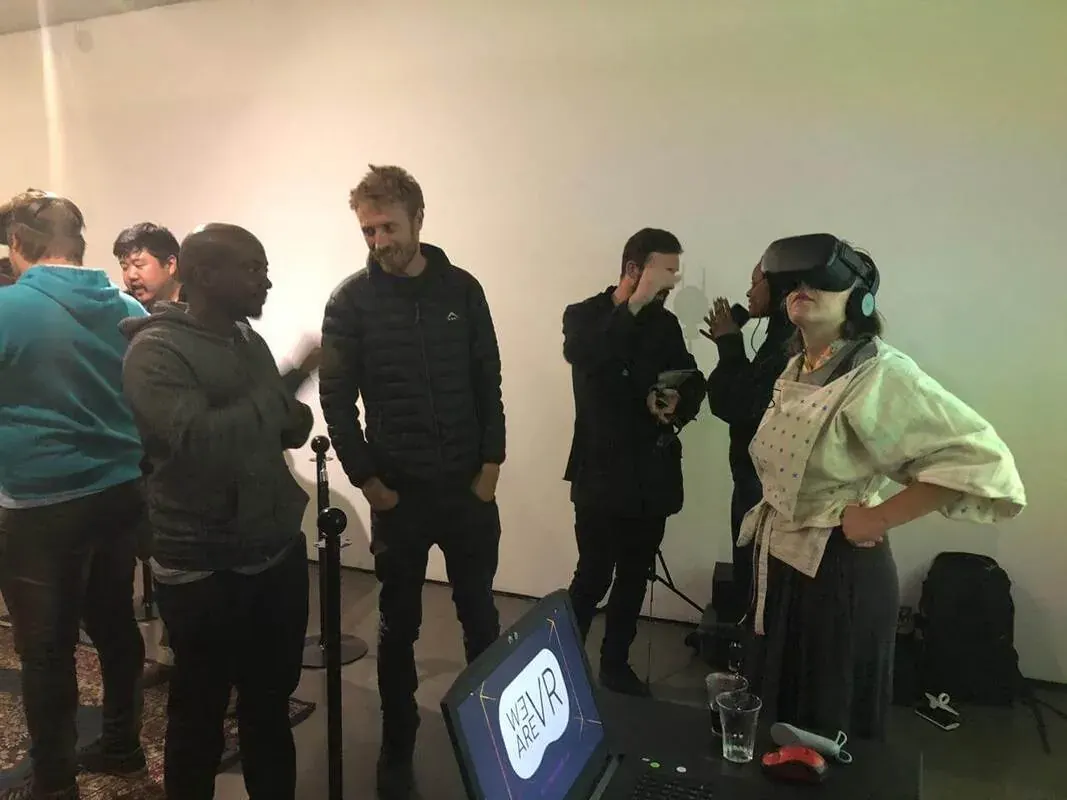
Put one name next to "cue owner" on the call sheet. That person presses play, and everyone else stays off the button (yes, even the director). Put a backup name under it, so if the cue owner steps away, everyone already knows who takes over.
Run one start rehearsal before the line opens: guest ready, cue owner starts, host says the opening line. If a start hangs, the cue owner restarts it. Nobody else touches play.
TL;DR
Add these to your next call sheet:
- The night's feeling in one sentence, the build ID that fits it, and who said yes.
- The cut-off time (at least 30 minutes before opening) and who calls it.
- The one producer who can write to the live folder.
- The build ID, printed on every QR card, invite and lobby button.
- Who owns the public links, and when they last tested them.
- The cue owner and the backup.
If you run shows and I've missed a line, tell me. ;)
Related: Glass Angels at Fak'ugesi 2026, Directing When AI Makes Takes Cheap.
Virtually yours, Deac