Worldbuild
Emily
at your service

Which Emily?
Three apps, one hamster.
EMILY-GPT
The hamster you talk to.
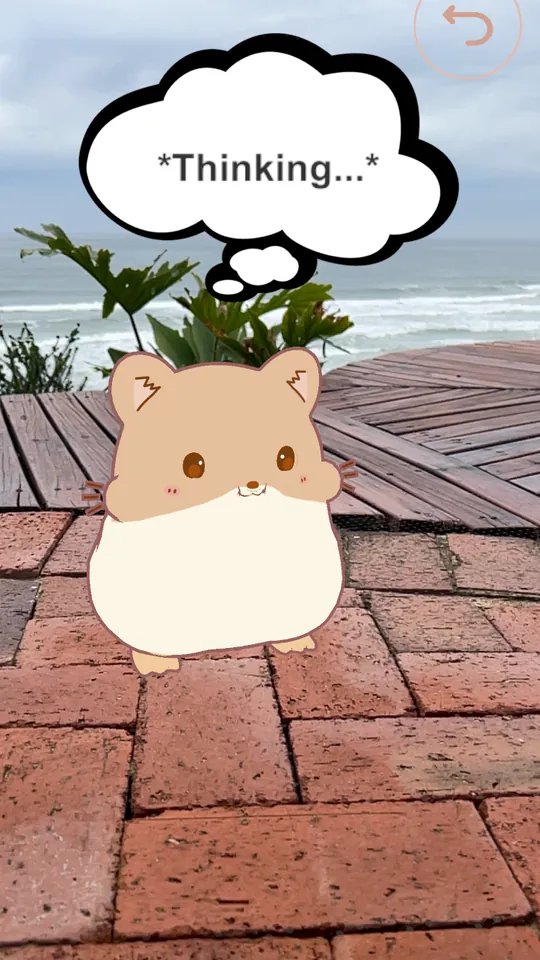
You speak and she answers out loud, so you don't have to type. Point your phone at the room and she stands in it.
On the App Store. Reached #1 in Paid Entertainment in 2024. Web version next.
EMILY-OS
Your whole day in one chat.
Email, news, tasks and notes usually live in different apps, and every morning you open them one by one to work out what matters. EMILY-OS runs on your own computer, brings them together and gives you a short briefing to start the day.
Work in progress. In testing, not available yet.
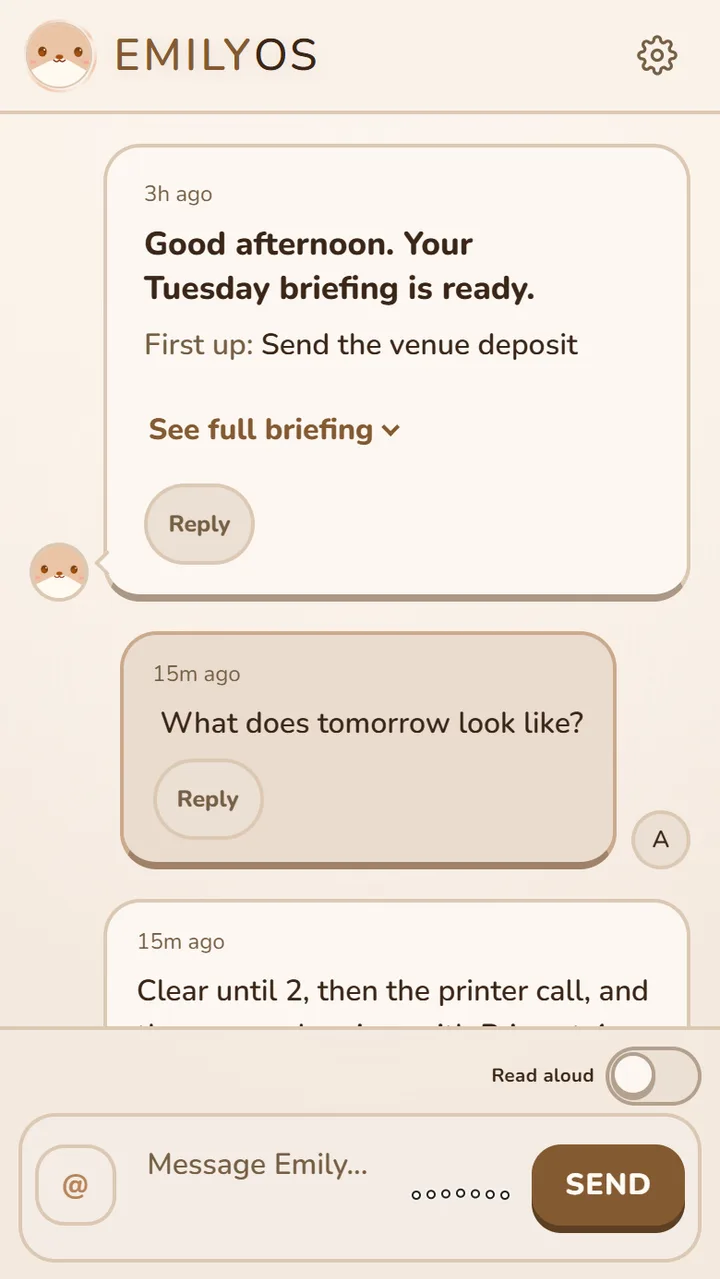
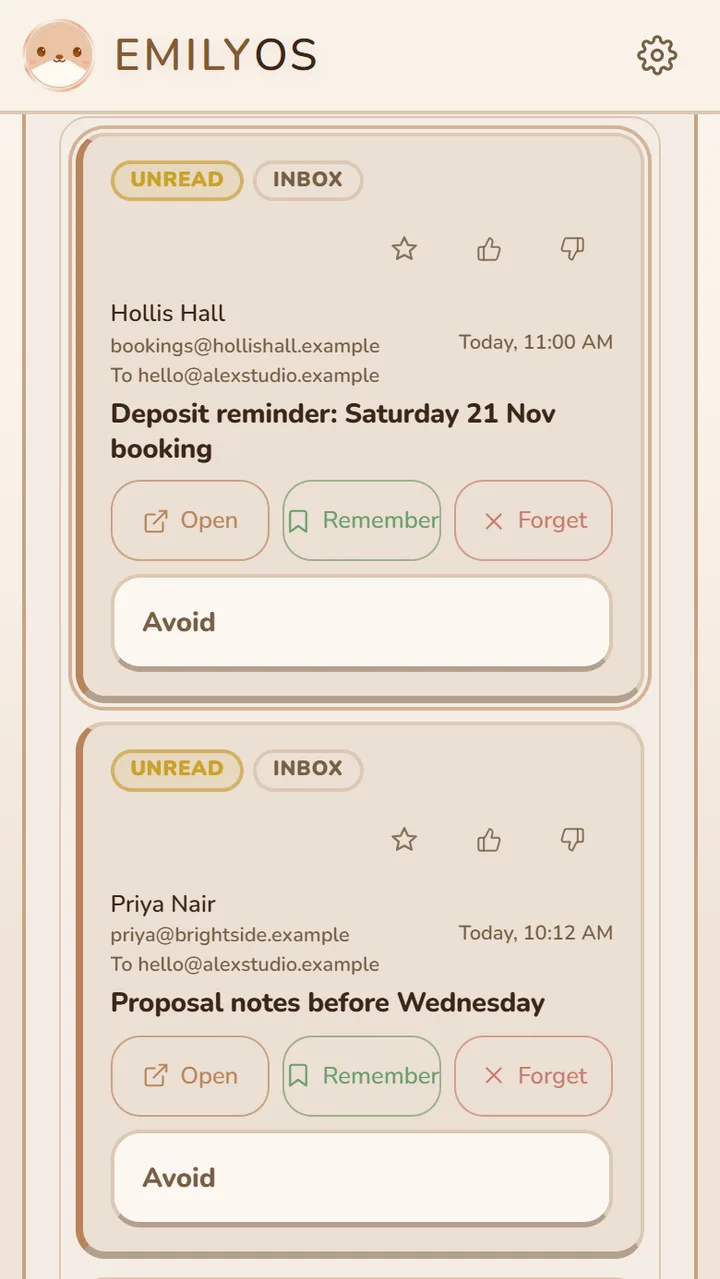
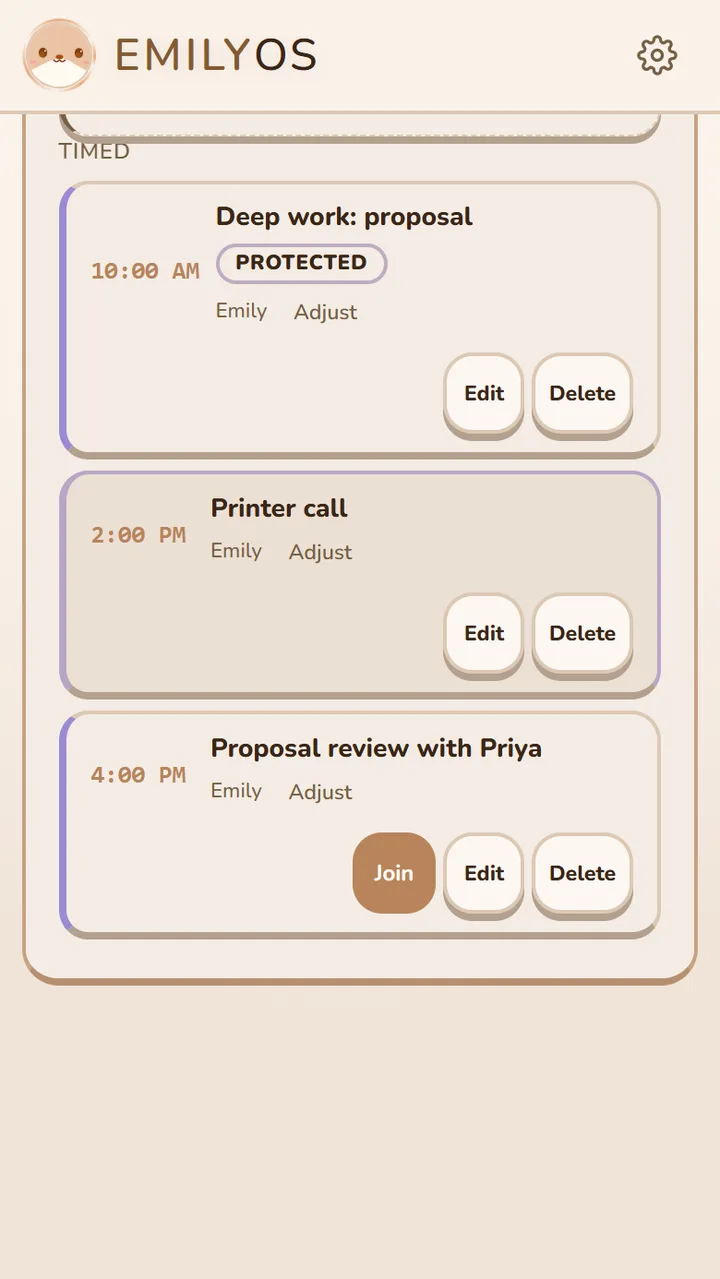
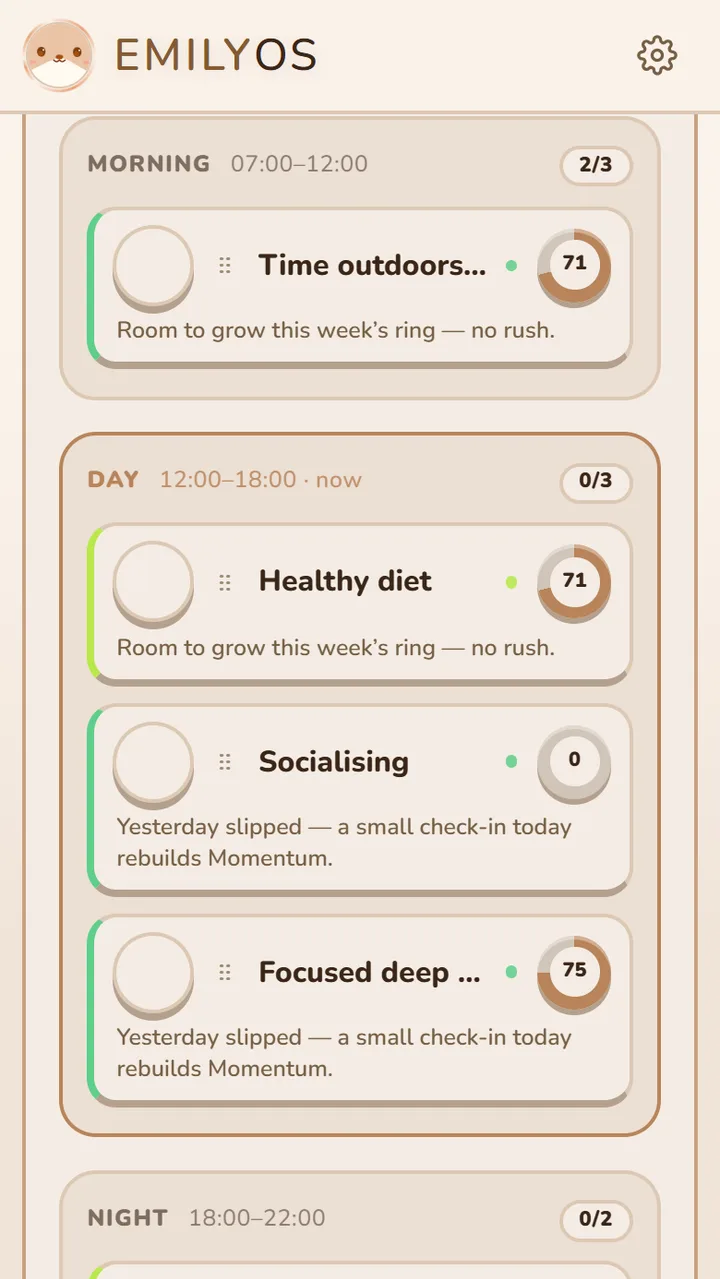
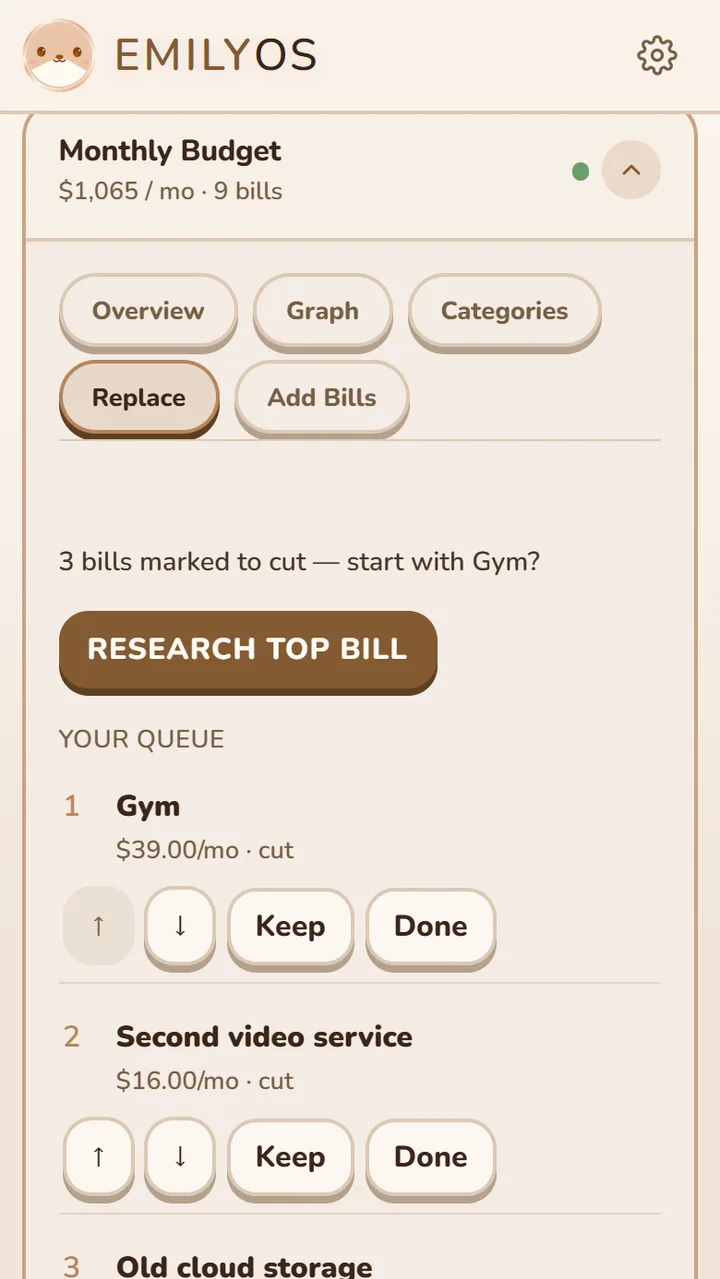
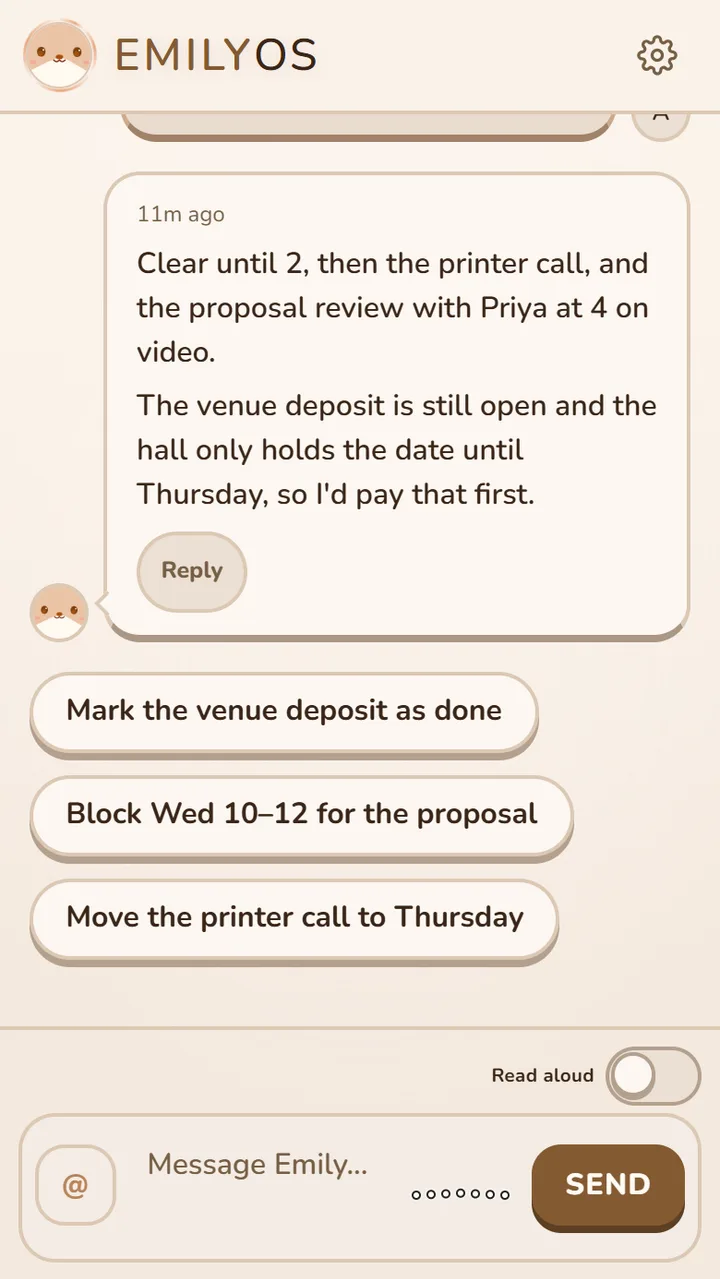
Screenshots use sample data.
One conversation
Emily opens straight to your chat. Ask for anything there, and each reply ends with next steps you can tap.
Talk to her
Speak instead of typing and she reads replies aloud. Her face blinks, watches you type, nods when you send and gets sleepy at night.
A calendar you can type at
Write “block Thu 2–4 for deep work” and she offers to add it. Meeting emails get a Schedule button and video calls get a Join button.
One inbox, most important first
Up to 20 email accounts and your news feeds in one list. She reads an email’s sender, subject and date, never the message.
Habits without the guilt
Momentum rings instead of streaks, a coach that adapts to your schedule, and no red banners when you miss a day.
Bills and budget
Keep track of what you pay for, mark what should go, and get ranked tips on what to cut or replace.
Notes that connect
Your notes stay as plain files on your computer. Ask her what you saved, or browse how it all links on the notes map.
You stay in charge
She asks before adding to your calendar or tasks, and deletes give you five seconds to undo. Pick a local AI or a cloud one; Anonymous Mode strips names, email addresses and phone numbers first.
EMILY-iOS
EMILY-OS on your iPhone.
Your notes and inbox stay on your computer. The iPhone app connects to it privately over Tailscale, so there's no Emily cloud and no account to create. Pair it by scanning a QR code, lock it with Face ID if you want to, and it opens straight into your chat.
Work in progress. In testing, not available yet.